Adding Variables to Tasks 
To add variables to a task:
- Double-click on any task.
- In the task window, click Variables.
-
Under the Variables tab, to add a variable, click
 (Add) icon.
The Add variable window is displayed.
(Add) icon.
The Add variable window is displayed.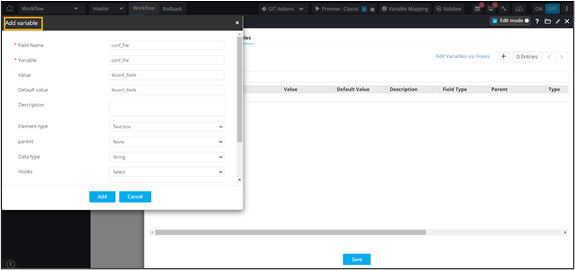
-
In the Add variable window, enter or select the field information based
on the variable that needs to be added.
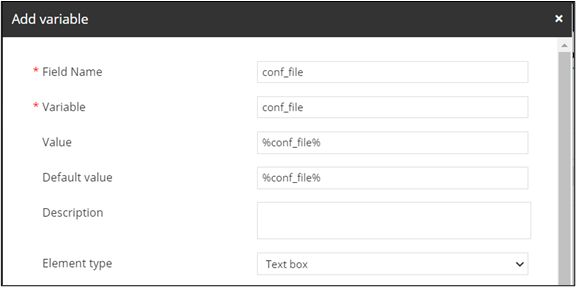
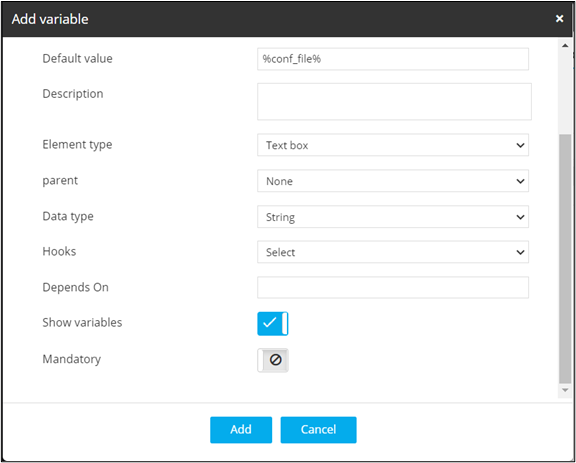
- Click Add.
- Once you have added all the variables, click Save.
-
Auto-generate a self-service form
based on the variables defined in the Script task.
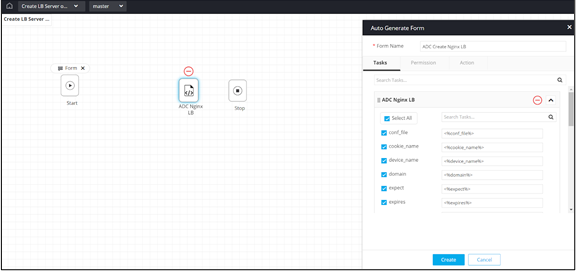 The form is auto-generated based on the variables defined in the Script task.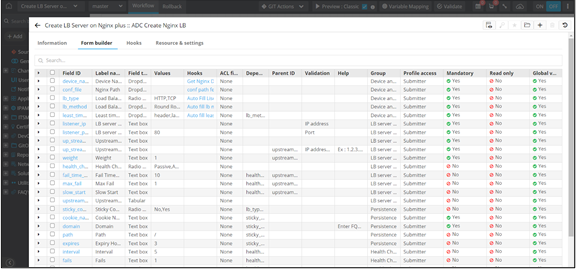
- Connect the workflow tasks and enable the workflow.
- Trigger the workflow.