Variable Mapping 
- Design a workflow or open an existing workflow,
-
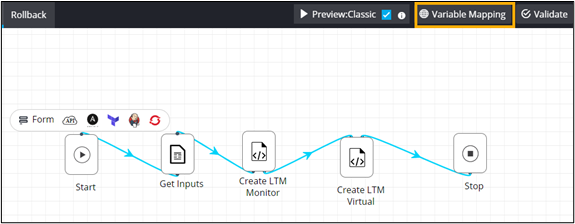
From the command bar on the top, click Variable
Mapping.
-
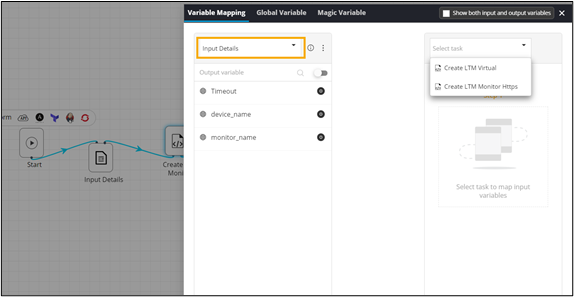
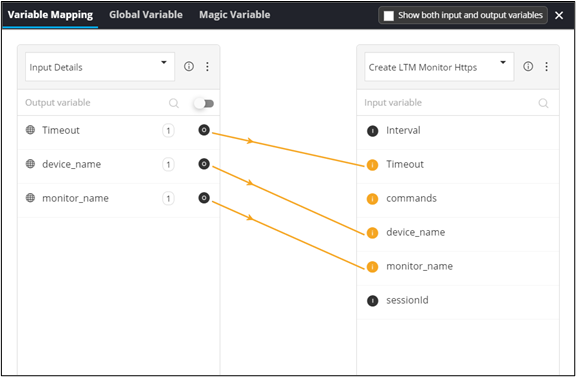
Under Variable Mapping, select the tasks for variable
mapping.
-
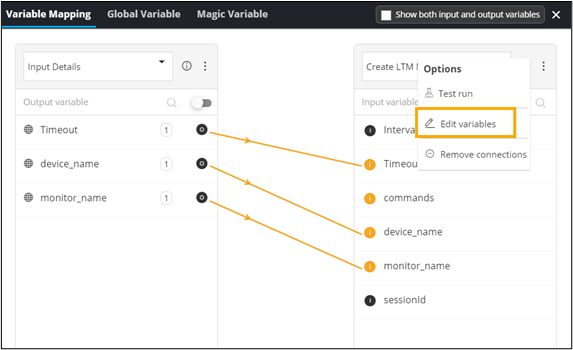
To see options, from the top right corner of the window, click
 .
.
-
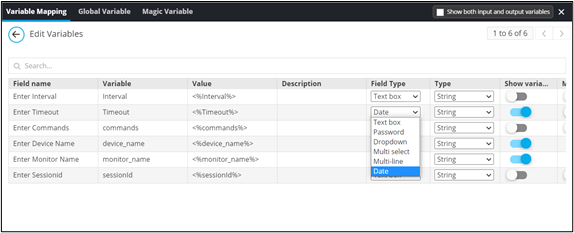
To make changes in the field parameters, select Edit
variables.
-
Edit the parameters of the variables as required.