Importing Helper Scripts 
- Go to the Helper Script Library.
-
On the Helper Scripts Library page, click
 (Import) icon in the command bar.
-
To select the helper script file to be uploaded, click Browse.
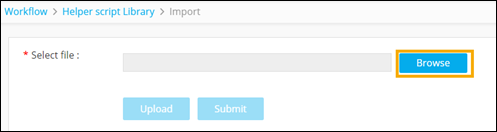
- To upload the selected file, click Upload.
-
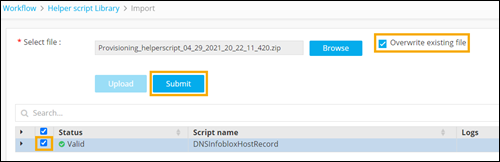
Select the script and click Submit.
 Note:
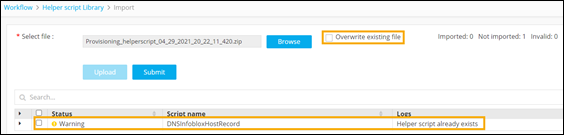
Note:- By default, the ‘Overwrite existing file’ option will be checked. Any existing helper scripts will be overwritten when new files are imported.
- Only <.zip> files will be supported for import.
- If the ‘overwrite existing file’ option is not selected and the
script already exists in the destination environment, the following
warning will be displayed to the user on clicking Submit.