Scheduling a Workflow
-
On the Request :: Overview
page, from the menu on the left, click View/Run.
The Request :: View/Run page is displayed.Note: Only enabled workflows are displayed on the Request :: View/Run page.
- To schedule a workflow, on the Request :: View/Run page, search for the workflow.
- Locate the workflow in the catalog and click the catalog name.
-
Hover your mouse over the workflow name, and then click
 (Schedule) button.
 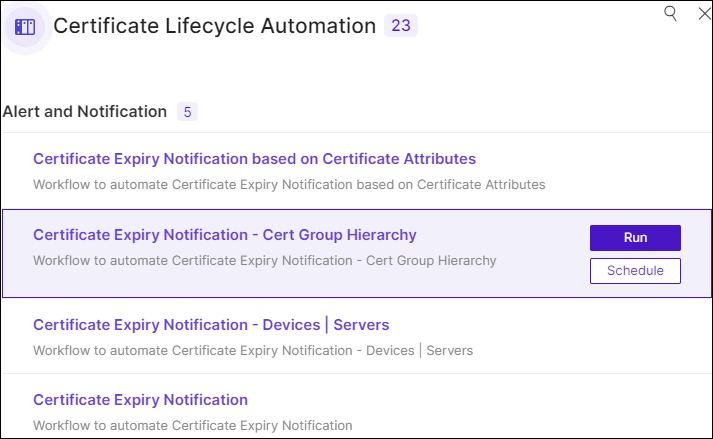 The schedule workflow page is displayed.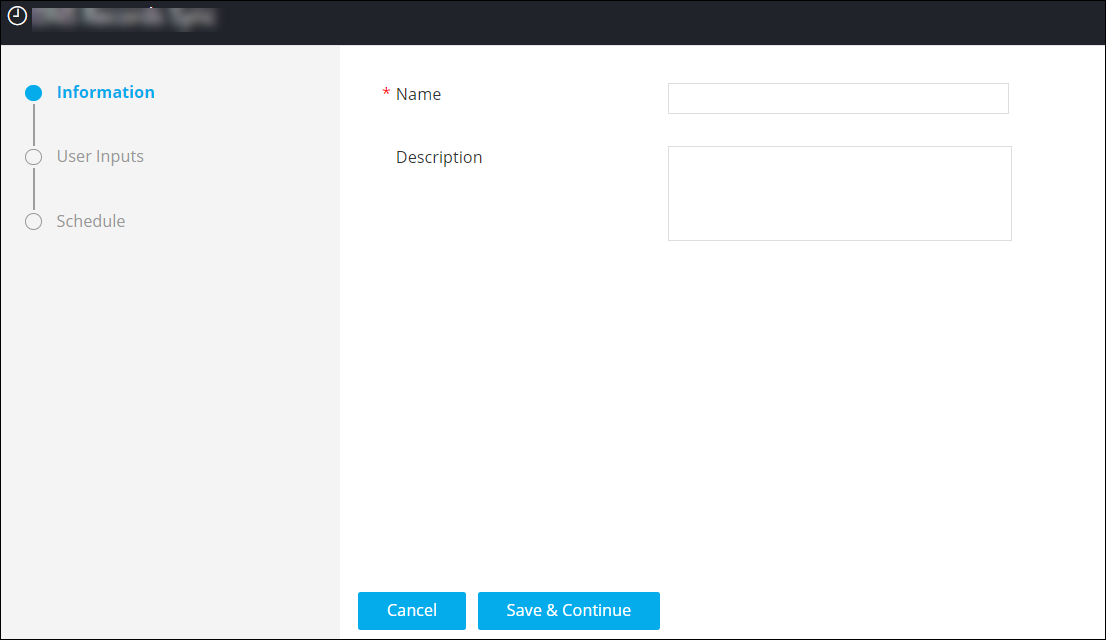
- In the Information section, enter the Name of the scheduled job.
-
In the User Inputs section, enter the required field information.
Note: This field is displayed only if the workflow requires user inputs. The user inputs required will vary according to the workflow.
-
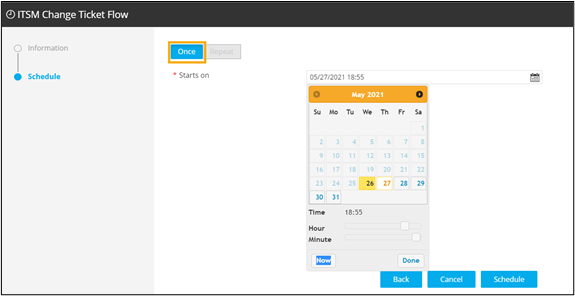
In the Schedule section, assign the time for which the workflow is to be
scheduled.
- Once
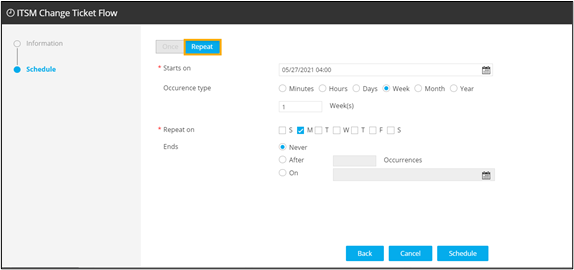
- Repeat - Provision to schedule the workflow to trigger daily,
weekly, monthly and yearly.
- Once
-
Click Schedule.
The scheduled workflow is added to the Scheduled jobs section.