Modifying Collections
-
On the Collection page, select the collection to be modified. For
example: ExcludeIP-Sample. This collection currently contains 22
documents.

-
From the command bar on the top right of the screen, click
 (Modify) icon.
-
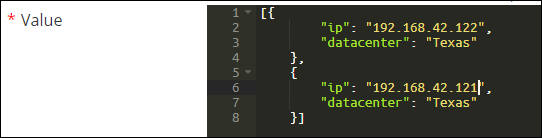
Update the data in the Value field.
-
Click Save.
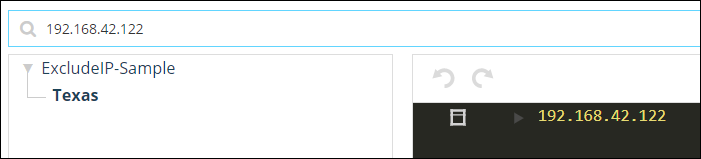
The collection is modified with the number of documents in the collection now at 24. You can view the collection details and search for the IPs added to the collection.