Deleting Custodians
Attention: Any administrator or key ceremony
administrator, if configured, can delete custodians. The quorum value must be met
for m(n) approval.
To delete custodians:
-
Go to
 (Menu) icon > PKI+ > Custodian
Management.
The Custodian Management page appears.
(Menu) icon > PKI+ > Custodian
Management.
The Custodian Management page appears. - Click the
 (Delete) icon against the custodian you want to delete.
A deletion mail is sent to all active custodians. The approval status changes to Delete - Approval Pending.
(Delete) icon against the custodian you want to delete.
A deletion mail is sent to all active custodians. The approval status changes to Delete - Approval Pending. - Click Approve to delete the custodian.
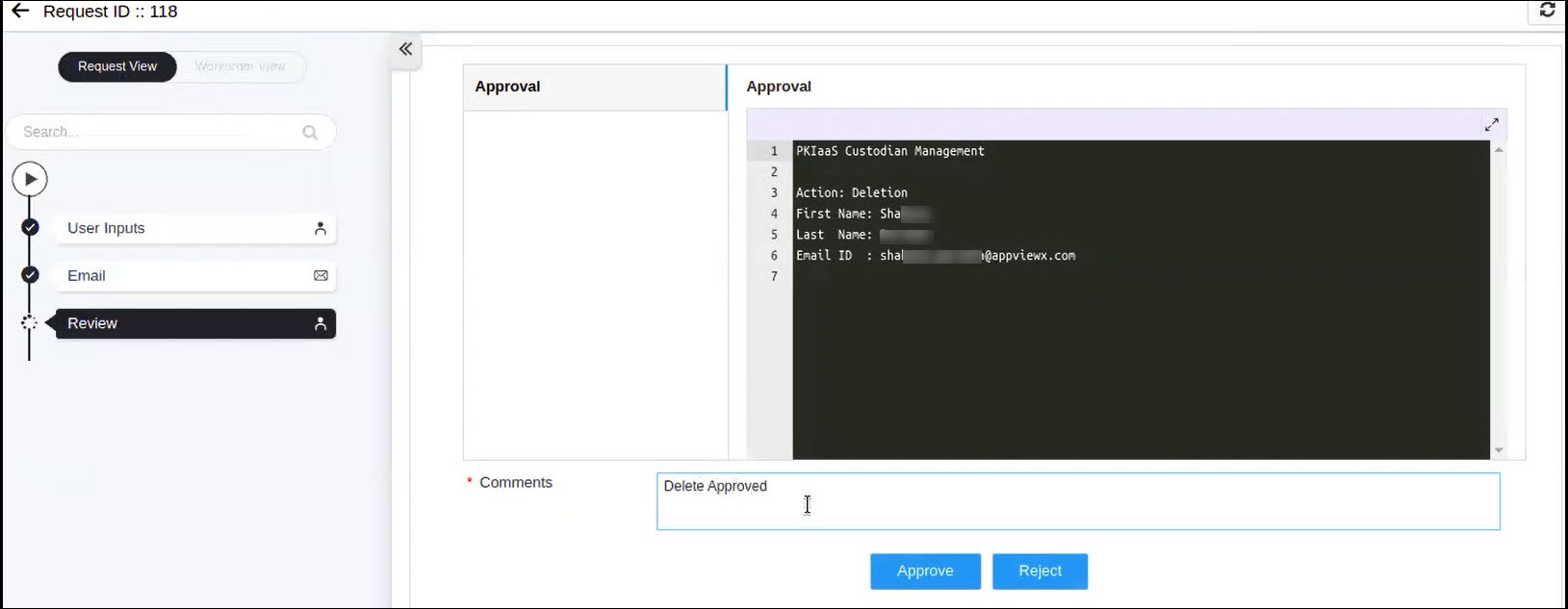 A confirmation popup window appears.
 - Click OK to confirm.
Once the approval count meet the minimum approval required by the quorum number, the custodian is deleted from the table. On successful approval, the approval status changes to Delete - Approved and the status changes to Inactive. If the deletion request is rejected, then the approval status changes to Delete - Rejected and the status remains as Active.