Deleting Code Signing Certificate
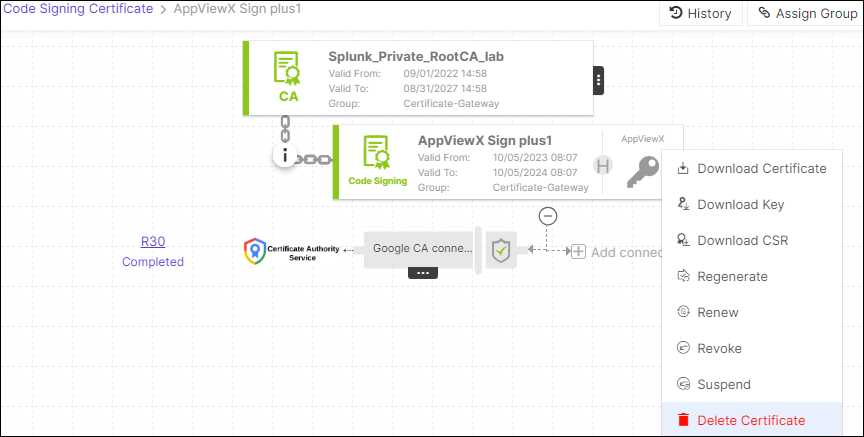
- On the Code Signing Certificate page, select the certificate that you want to delete.
- Hover over the three-dot menu for the certificate, and then click Delete
Certificate.
- Delete Certficate Confirmation dialog box is displayed.
- Click Yes.
The selected certificate will be deleted.