To initiate the onboarding process, follow these steps:
Login to AppViewX using your valid credentials.
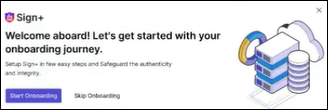
If the policy is not configured, the Sign+ popup is
displayed.
Sign+ popup has the Start
Onboarding button.
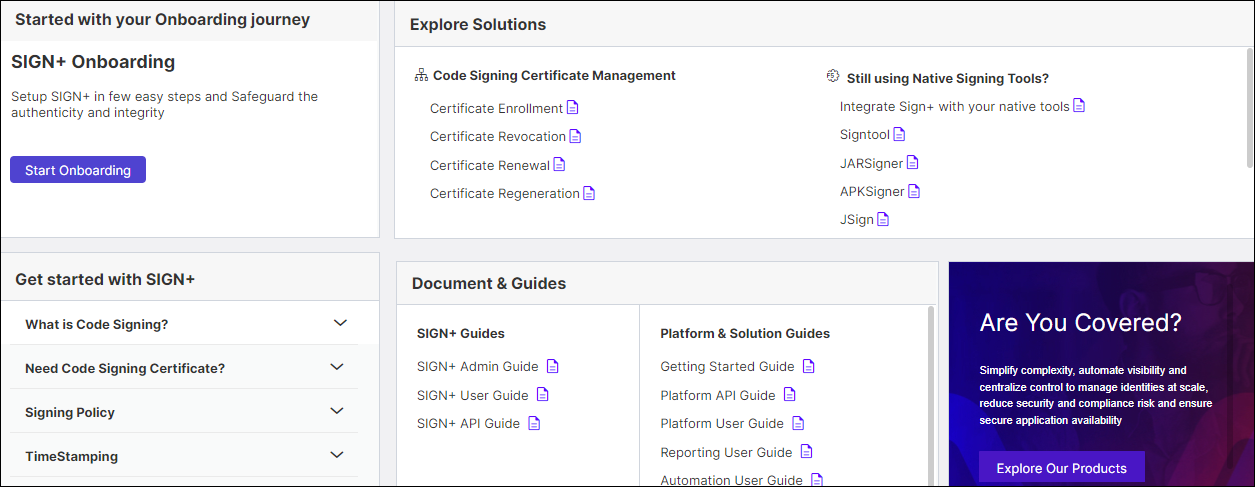
If you have configured the policy, you can locate the Start
Onboarding button on the Getting
Started page.
Click Start Onboarding to begin the onboarding
process.
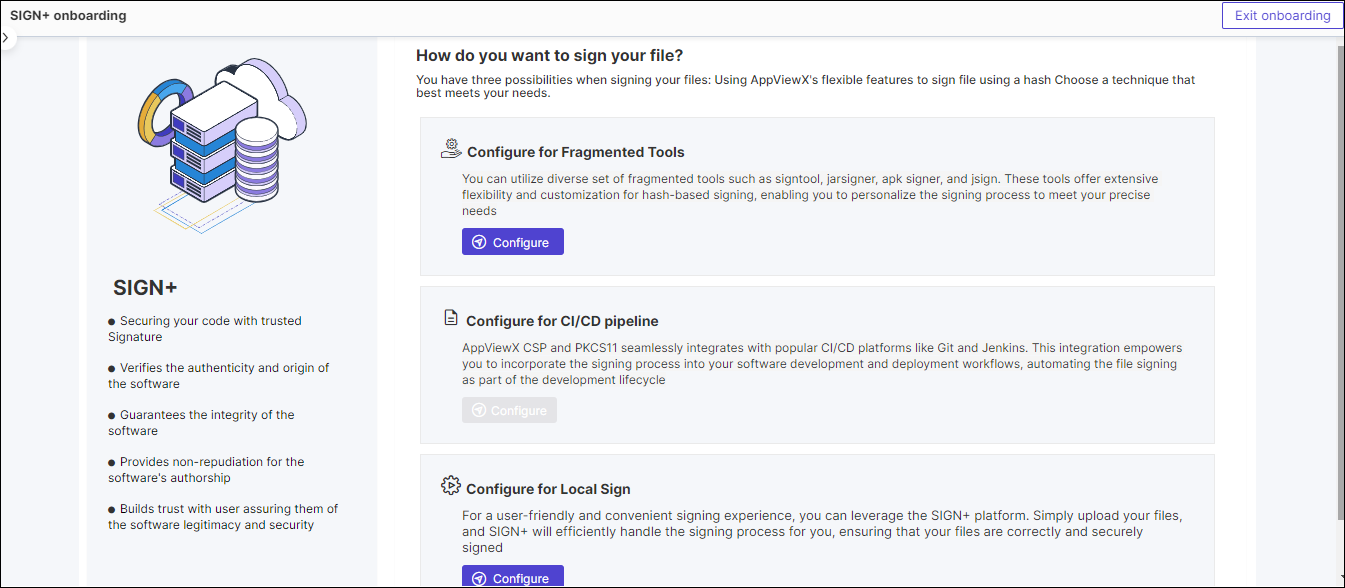
The SIGN+ Onboarding page is displayed.
Select the method that aligns with your code signing requirements and click
Configure.
Configure for
Fragmented Tools (Hash-based signing policy) You can
utilize a diverse set of fragmented tools such as signtool, jarsigner,
apk signer, and jsign. These tools offer extensive flexibility and
customization for hash-based signing, enabling you to personalize the
signing process to meet your precise needs.
Configure for CI/CD pipeline AppViewX CSP and PKCS11 seamlessly
integrate with popular CI/CD platforms like Git and Jenkins. This
integration empowers you to incorporate the signing process into your
software development and deployment workflows, automating the file
signing as part of the development lifecycle.
Configure for
Local Sign (File based signing policy) For a
user-friendly and convenient signing experience, you can leverage the
SIGN+ platform. Simply upload your files, and SIGN+ will efficiently
handle the signing process for you, ensuring that your files are
correctly and securely signed.