Based on a Timestamp
-
From the Search field on the Logging page, click
 .
.
-
Widgets to select the date and time are displayed.
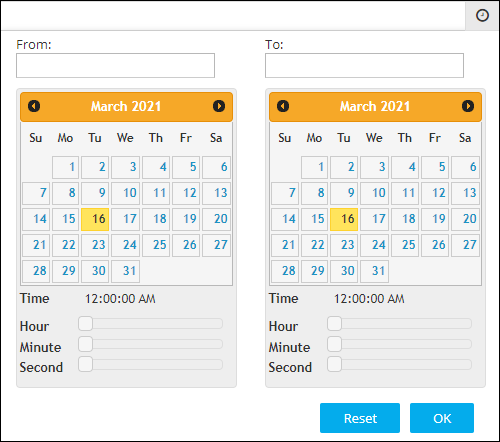
- To select a date range, in the From and To fields, select the required dates.
- To set a time, use the Hour, Minute, and Second slider controls.
-
Click OK.
The page is updated to display log records from the selected timestamp.Note: To view records from a specific date to the current date, select only the From date. When the To field is left blank, by default, it is set to the current date.