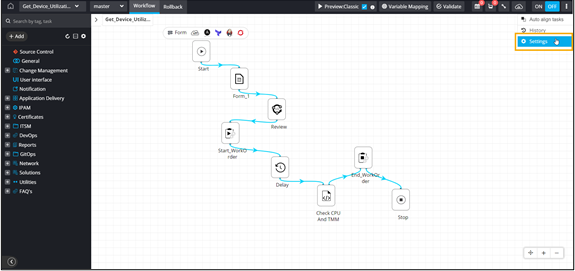
Workflow Settings
Provision to generate a unique workflow request ID for
every workflow triggered.
- Role based access control (RBAC) to assign workflows.
- Role based access control (RBAC) to assign workflow requests.
- Provision to exclude specific workflow task(s) for calculating Request status.
- Provides an option to opt-out specific task(s) from being considered for calculating the overall workflow request status.
To access workflow settings:
- Open an existing workflow.
-
Click
 in the right upper corner of the screen.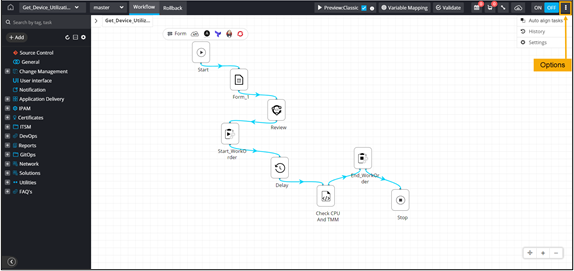
-
From the options displayed, select Settings.