Aborting Certificate Discovery
Steps to abort discovered certificates,
- Log in to AppViewX application with valid credentials.
-
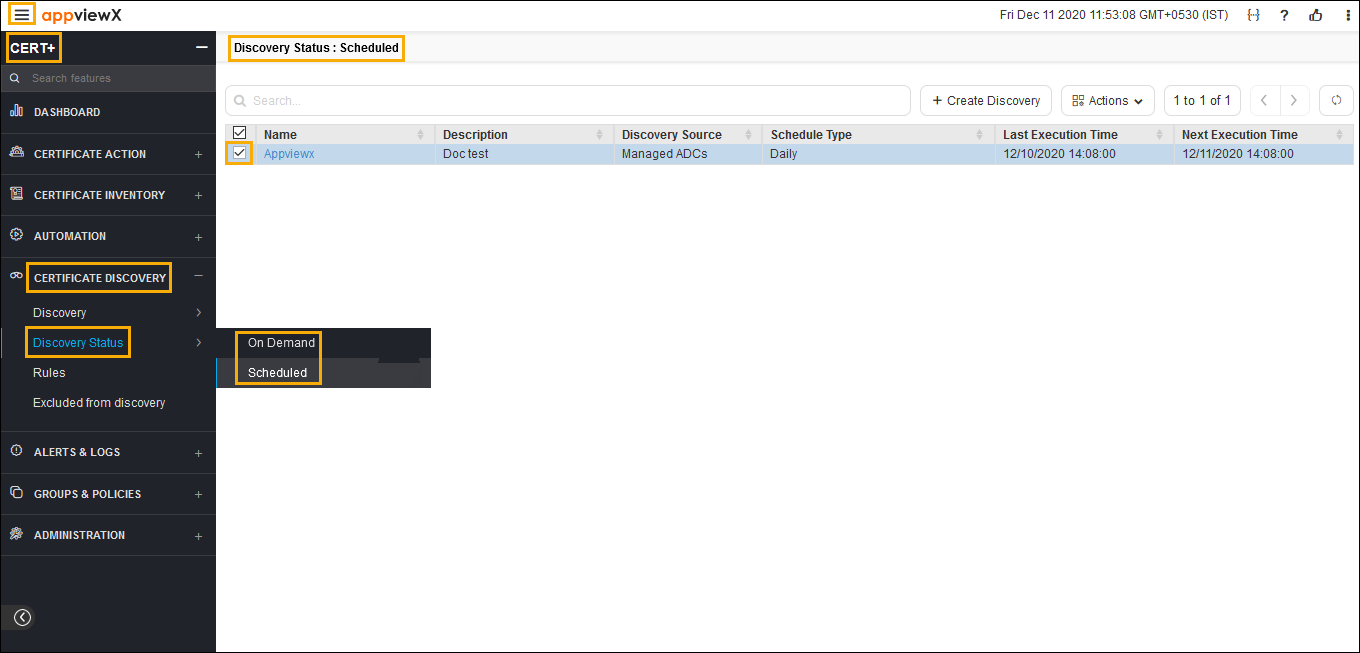
Click the menu button located in the upper left corner of the screen.
The left navigation pane appears.
-
Click CERT+.
The CERT+ left navigation pane appears.
- Expand CERTIFICATE DISCOVERY.
- Click Discovery Status, and then select
On-Demand.
The On-Demand page appears.
.png)
- In the certificate list view, click on the discovery instance name of the certificate.
- Click Actions, and then select Abort.