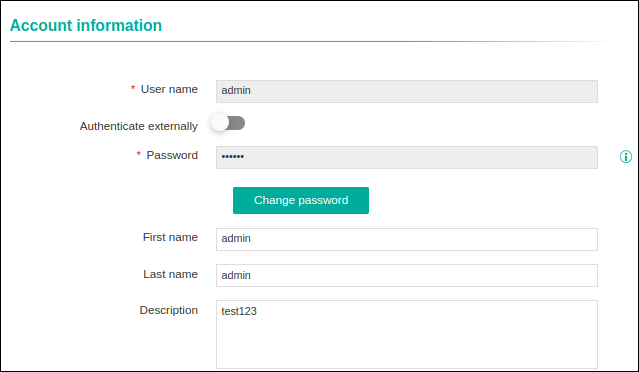
MFA Settings for User Profile
The following steps explains access to enable/disable MFA from user profile:
-
On selecting Email OTP, the Allow user to disable MFA
option appears. This can be enabled or disabled based on the user's requirement.
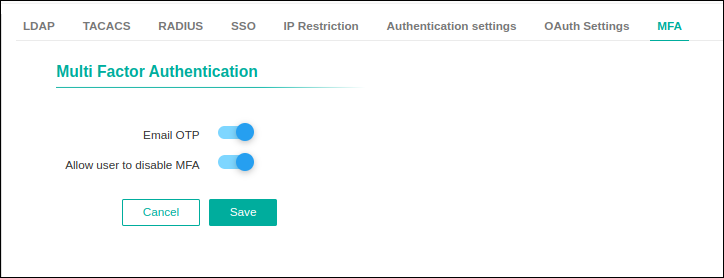
-
If the admin enables Allow user to disable MFA, then
users have provision to enable/disable MFA and MFA option
appears in user profile.
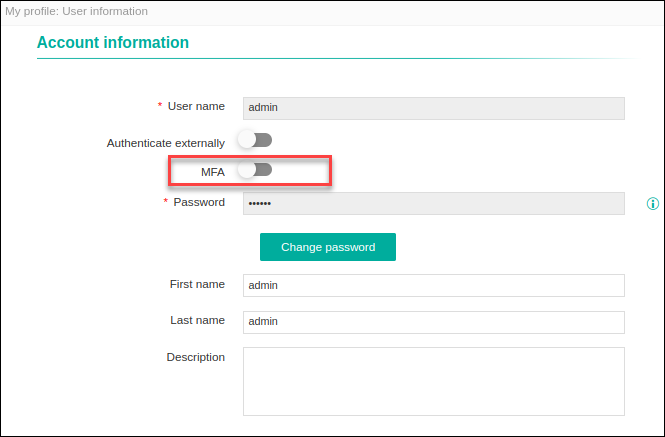
-
If the admin disables Allow user to disable MFA, then
users can not see MFA option in the user profile.