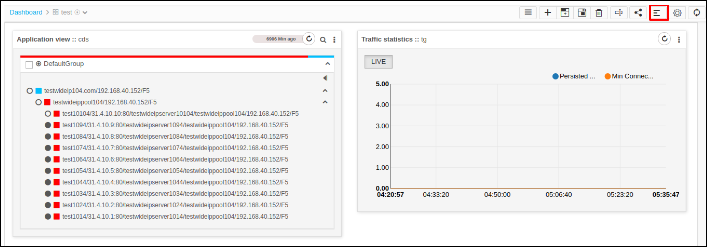
Align Widget
- Log in to the AppViewX application with valid credentials.
- Click the menu button.
-
Select Menu > ADC+ > TRAFFIC MANAGEMENT >
Dashboards.
Consider the widget in the dashboard is misplaced.
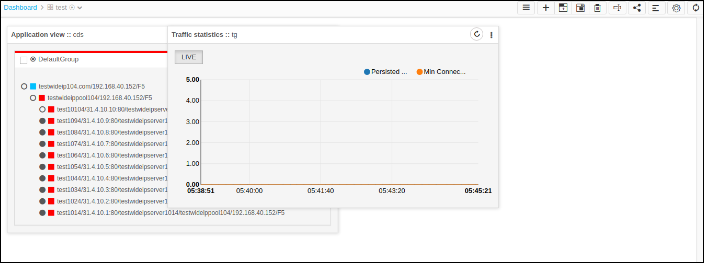
-
To align dashboards in their place click Align.