Holistic View
To add Holistic View task to your workflow:
- Design a workflow.
- From the User Interface section, drag and drop the Holistic view task.
-
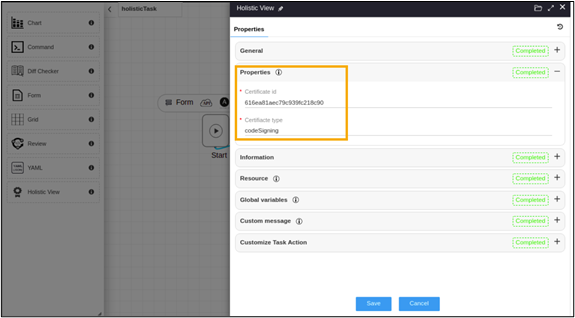
In the Holistic view task window, under Properties, define the
Certificate id and Certificate type either as static values or
a global variable.
-
Connect the workflow tasks
and from the menu on the top, click Preview.
Holistic view is executed. Hover your mouse over
 to view the certificate status.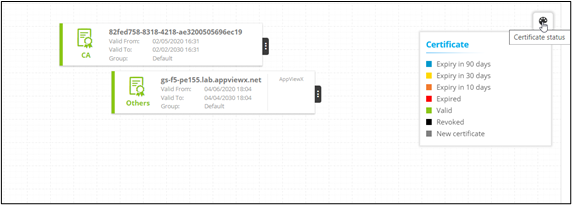
-
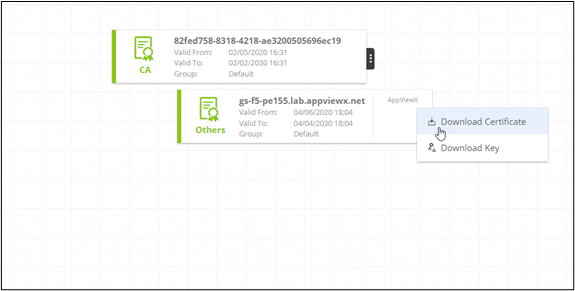
To download the certificate and certificate key, click
 .
. 
-
Click Submit.
Note: You can add multiple Holistic view tasks to the workflow.Note: For more information on Holistic View, refer to the Cert+ User Guide.