Provisioning for Workflow Tasks
To define the configurations:
| New Menu | Old Menu |
|---|---|
|
|
|
Note: For more information on how to
switch between menus, click here.
|
|
- Under the Command configuration section, define the configurations for success or failure of the implementation task.
-
In the Failure messages field, enter the keywords for error responses to
identify the task as failed as shown in the image below.
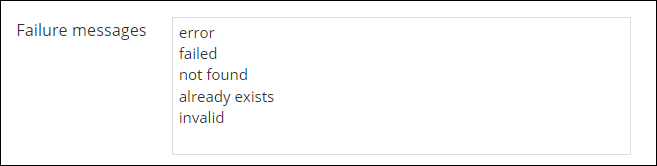
If the workflow execution displays any of the keywords defined above as error messages, the task will be considered as failed.
- In the Excluded failure messages field, enter the keywords to be excluded for identifying the task as failed.
- In the Commands to wait field, you can enter a set of commands and define a time out for the implementation task. If the task contains the configured commands, then it will time out as per the time out defined. This is useful for tasks or commands that take longer than the default time to execute.
-
In the Time out (mins) field, enter the timeout value for the tasks
having the configured set of commands.
Note: The default value is 0.5 minutes or 30 seconds.
-
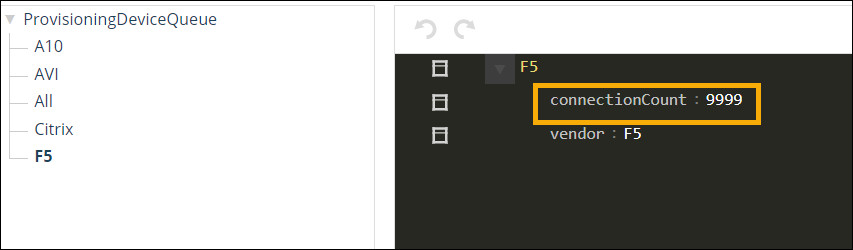
Turn on the Enable Device Queue toggle to enable queuing of device
connections as per the defined connection count in the Collection.
- Turn on the Enable Device Session Cache toggle, to check for any existing open sessions for the device and execute other requests in the same session.
- Under the Rest configuration section, define the different success Status Codes.
- Under Collection configuration section, turn on the Enable default collection toggle to create a collection in the name of the device and store all the IPs in the device (using a predefined parsing logic) during the next device parsing.