Reports
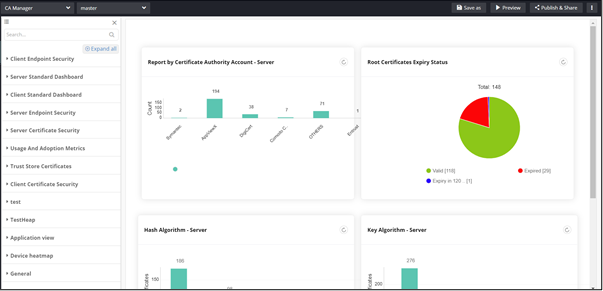
Note: For more information on Reports, refer to the
Reporting User Guide.
To access Reports:
-
From the component panel on the left, click Reports.
The Reports inventory is displayed.
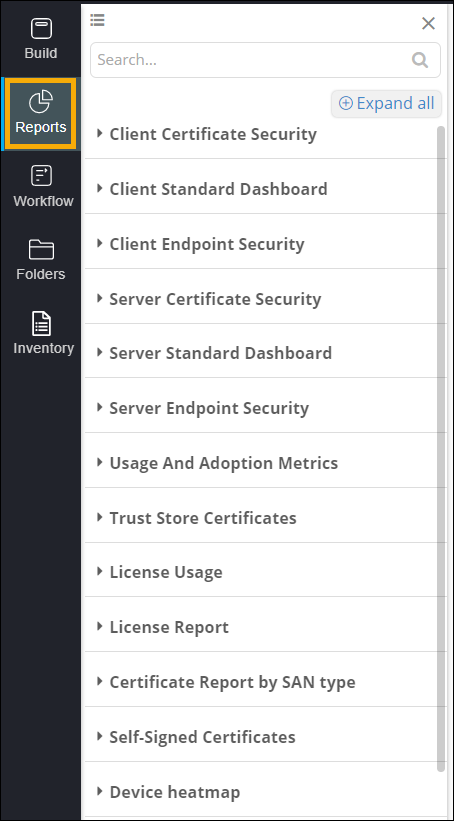
This table describes the options present in the Reports section:
Options Description View Allows you to switch between list view and grid view when the Reports Inventory is expanded. Search bar Allow you to search for a specific report. Collapse All/Expand All Allows you to expand/collapse the Reports inventory. -
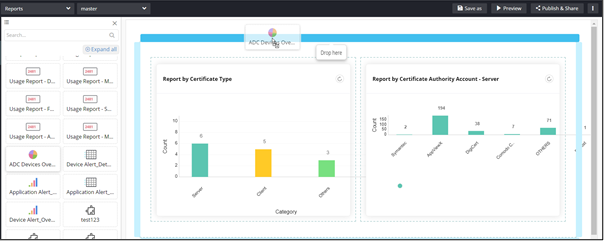
To add a report to your page, drag and drop the report to any blue highlighted
space in the build area.