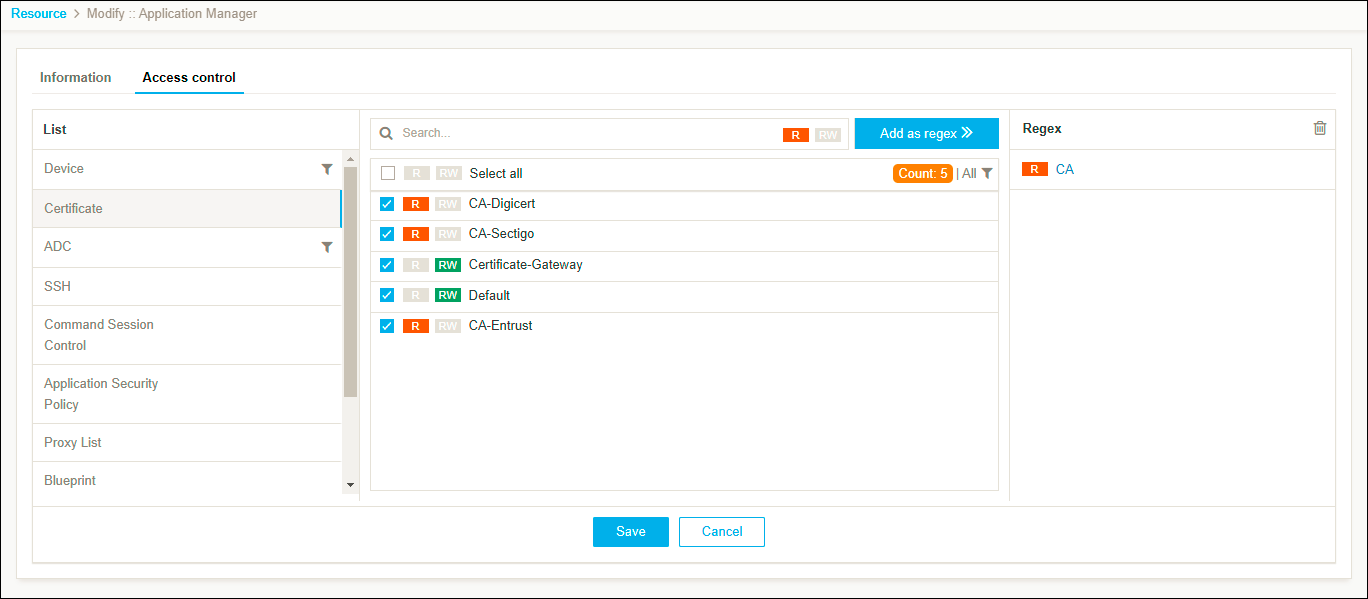
Clone a Resource
Clone allows you to create an exact copy of an existing resource with all the access control permissions.
To clone a resource,
- Log in to AppViewX application with valid credentials.
-
Click the menu button located in the upper left corner of the screen.
The left navigation pane is displayed.
- Navigate to Account, and then click Resource from the list.
The Resource page is displayed.

- In the resource inventory, select the check box against the resource you want to clone.
-
Click the
 icon
in the command bar to clone the resource.
The selected Cloning page is displayed.
icon
in the command bar to clone the resource.
The selected Cloning page is displayed.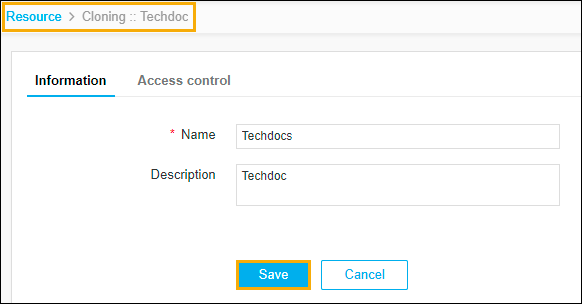
-
The following table describes the options available on the Cloning page:
Field Description * Name Enter the name of the resource. Description Enter a brief description of the resource and granular-level access associated with the resource.
Note: You can enter a maximum of 255 words in the field.Note: The asterisk (*) symbol indicates a mandatory field. - Click Save.
The resource is cloned and a pop-up message displays as Resources has been cloned successfully.