Enable a Resource
To enable a resource,
- Log in to AppViewX application with valid credentials.
-
Click the menu button located in the upper left corner of the screen.
The left navigation pane is displayed.
- Navigate to Account, and then click Resource
from the list.
The Resource page is displayed.
- In the resource inventory, select the check box against the resource you want to enable.
-
Click the
 icon in the
command bar to enable the resource.
icon in the
command bar to enable the resource.
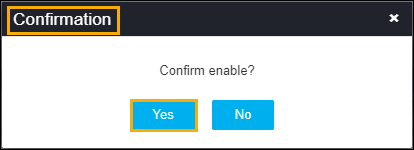
- A confirmation pop-up window, to confirm the operation.
-
Click Yes.
The resource is enabled and a confirmation message displays as Operation performed successfully.