Exporting Details of Discovered Certificates
AppViewX lets you export all/selected details of the certificates discovered by a discovery instance. You can export the details in the XLS or CSV format.
To export the details of discovered certificates:
-
From the CERT+ menu, under
CERTIFICATE DISCOVERY, click Discovery Status > On
Demand.
The Discovery Status : On-demand page is displayed. Results of all previous discovery instances triggered are listed here.
-
To view the details of a discovery operation, click the Name.
The Discovery Status : On-demand page is updated to show the details of the discovery instance.
-
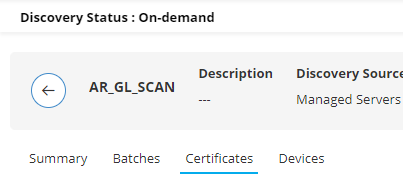
To view the certificates discovered by this discovery instance, click
Certificates.
- From Name, select the checkbox for the certificate of which you want to export the details.
- Click Export.
 The Export dialog box is displayed.
 -
In the Export dialog box:
- Under Options, select if you want to export all the details or only those shown in the columns currently displayed.
- Under Format, select the format for the exported file.
- Click Export.
A .csv/.xls file (as selected) is downloaded to your system.