Create Service Account
To create a service account:
-
Open the Server Manager by going to Start Menu > Server Manager.
-
Select Tools > Activate Directory Users and Computers.
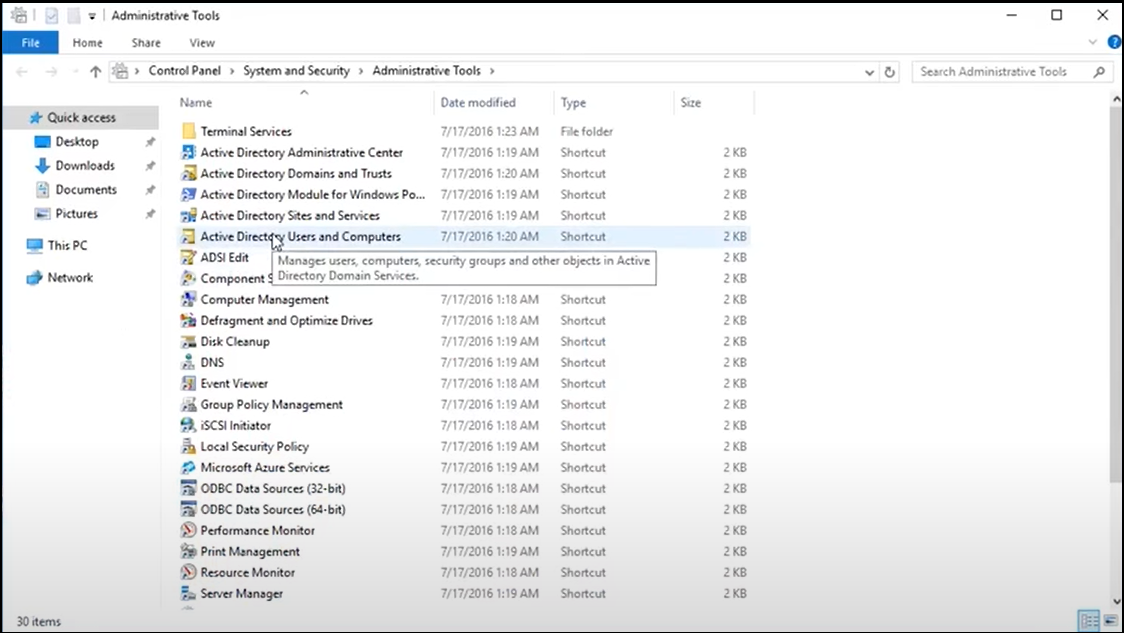
-
Go to <yourcompany.com> and select Users.
-
Click Action > New > User and add a service account with user login name (waep-service or a name of your choice) and set the password to never expires. This account will be used for Certificate Enrollment Services and for WAEP to make a bind to AD.
-
Add the account (waep-service) as a member of the Cert Publishers group.
Note: Use the single service account if performing this
installation with a single service account on a single host.