Configuring OCSP for On-Premise Deployment
To configure OCSP:
- Go to
 (Menu) icon > PKI+ > Validation Authority. By default, CRL is
selected.
(Menu) icon > PKI+ > Validation Authority. By default, CRL is
selected. - Click the OCSP tab and click PKIaaS from the dropdown list as
shown.
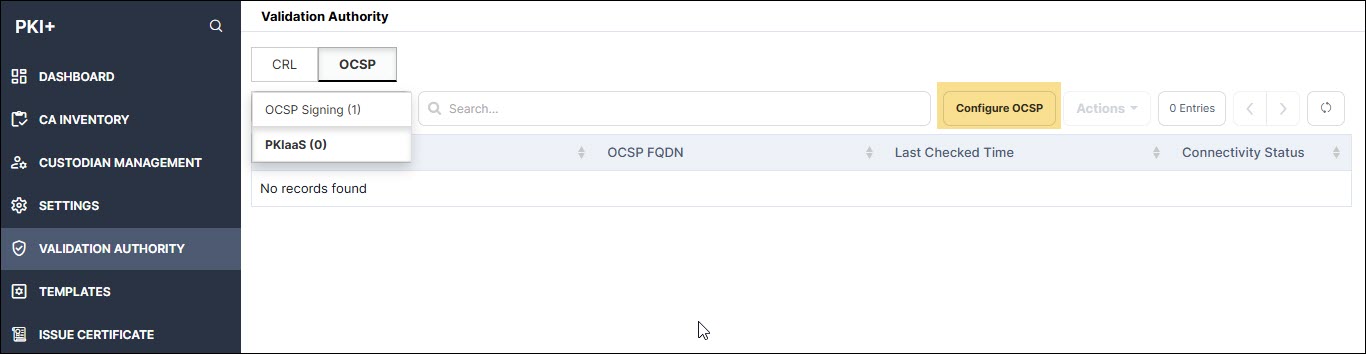
- Click Configure OCSP.
The Configure OCSP - PKIaaS window is displayed.
- Enter the following fields:
Table 1. Field Description for Configure OCSP - PKIaaS page Field Description *OCSP Name Provide a friendly name. *OCSP FQDN Enter the node domain name where OCSP plugin is hosted. Note: Fields marked with red asterisk (*) are mandatory. - Click Add. The entered information is displayed in the table.
To troubleshoot OCSP responder with openSSL, see Section, Troubleshooting OCSP Request with OpenSSL.