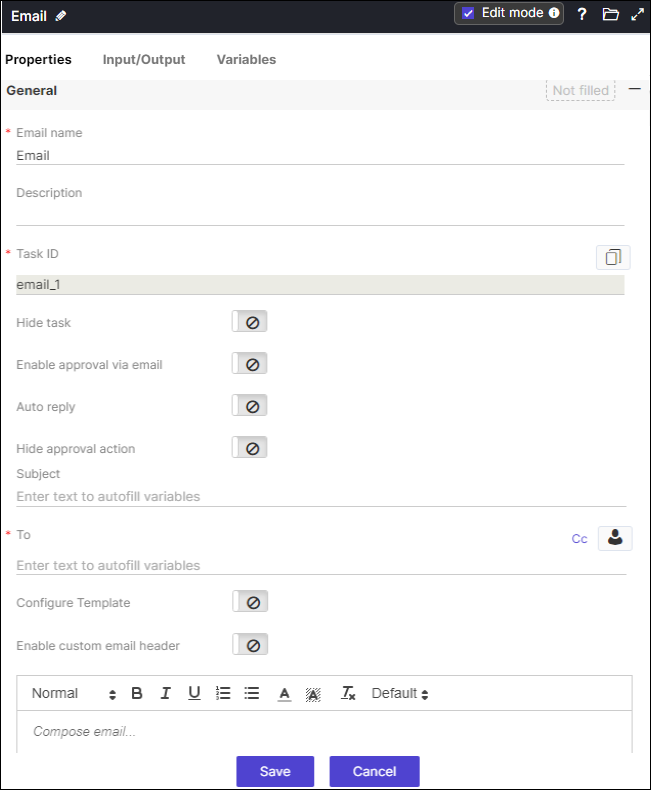
Email 
Email task allows you to configure static or dynamic email notifications as part of the
workflow automation process. You can send email attachments in different formats. This
task allows you to configure email approvals to automatically trigger the workflow process.
- Provision to select user(s), user role(s), and user group
- Provision to send test email to ensure that the defined content is relevant
- Provision to reuse email tasks from one workflow into another
- Provision to dynamically render emails by referencing data/value (using variables) from any stage of the workflow into the email task
- Variables can be referenced into the following fields – Subject, To, Cc, Content
- Provision to trigger workflow based on email approvals.
- Provision to use customized email template within your workflow to send
emails.