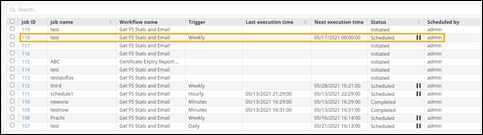
Scheduling Tasks
- Design a new workflow or open an existing workflow.
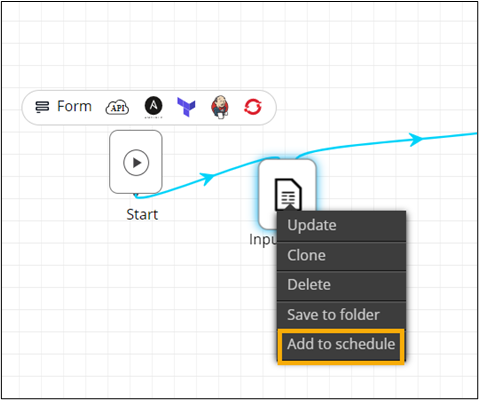
- Right-click the task to be scheduled to view options.
-
Select Add to schedule.
-
Click Yes in the Confirmation
pop-up window.
The task is added to the Scheduler.
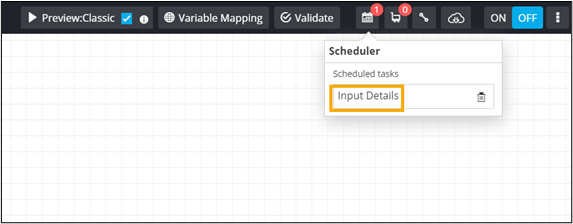
- Connect the workflow tasks and enable the workflow.
-
On the Request :: View/Run page,
search for the workflow and schedule the workflow.
The request is added to the Scheduled Jobs.