Switch Between Dashboards
To switch from one dashboard to another:
- Go to Menu > ADC+ > TRAFFIC MANAGEMENT > Dashboards.
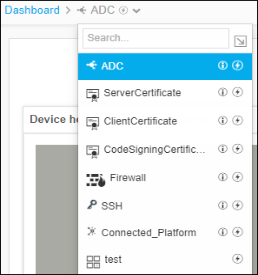
- Move your cursor to the breadcrumbs field of the current dashboard.
- Click the current dashboard name.
-
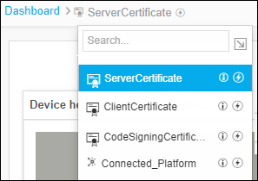
From the dropdown list located next to the dashboard name in the
breadcrumb, select the name of the dashboard you wish to switch to.
 Note: You can also click the
 (Dashboard inventory) button in the Command Bar and click the
name of the dashboard you want to switch to.
(Dashboard inventory) button in the Command Bar and click the
name of the dashboard you want to switch to.