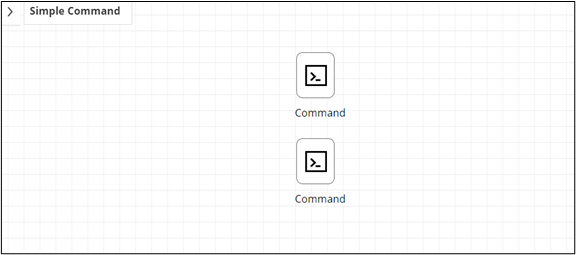
Cloning a Task 
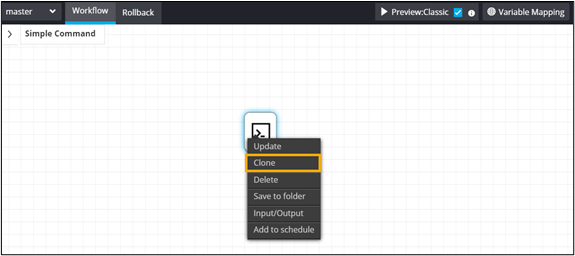
- Right-click a task to see the options.
-
Click Clone.
-
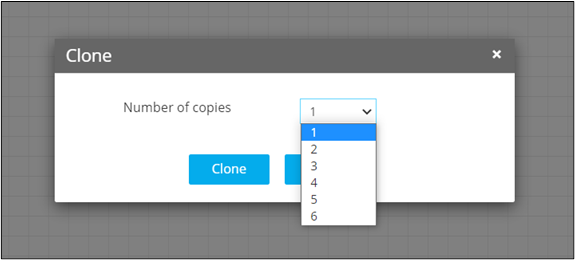
In the Clone window, select the number of copies from
the dropdown list.
-
Click Clone.
A copy of the task is created in the workspace.