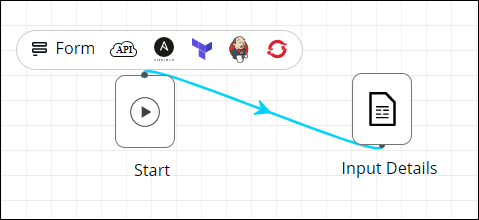
Connecting Workflow Tasks
To connect the tasks:
-
Hover your mouse over the first task.
A
 (Start) icon displays under it.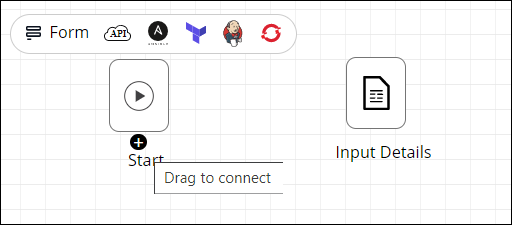
-
Place the cursor over the
(Start) icon and drag your mouse to connect to the next task.
The tasks are connected.