Disabling a Workflow
- Go to the Workflow page.
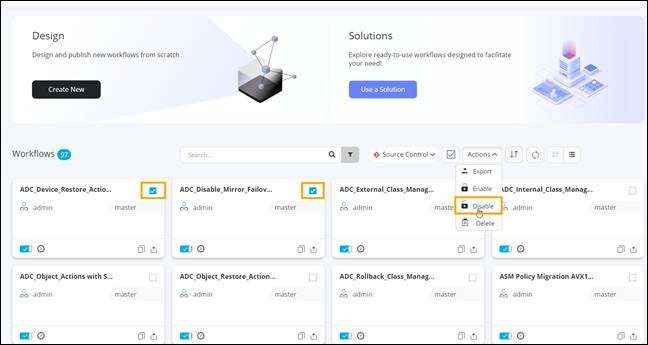
- On the Workflow page (Card view), select the workflow to be disabled.
-
To disable the selected workflow, from the Actions
dropdown menu, select Disable.
-
Click Yes in the Confirmation
pop-up window.
The workflow is disabled.Tip: You can also turn off the toggle on the workflow card to disable the workflow.
-
To disable multiple workflows, you can either select the workflows to be
disabled individually or click
 (Selection) icon to select all workflows displayed on the page and click
Disable in the Actions dropdown menu.
(Selection) icon to select all workflows displayed on the page and click
Disable in the Actions dropdown menu.
-
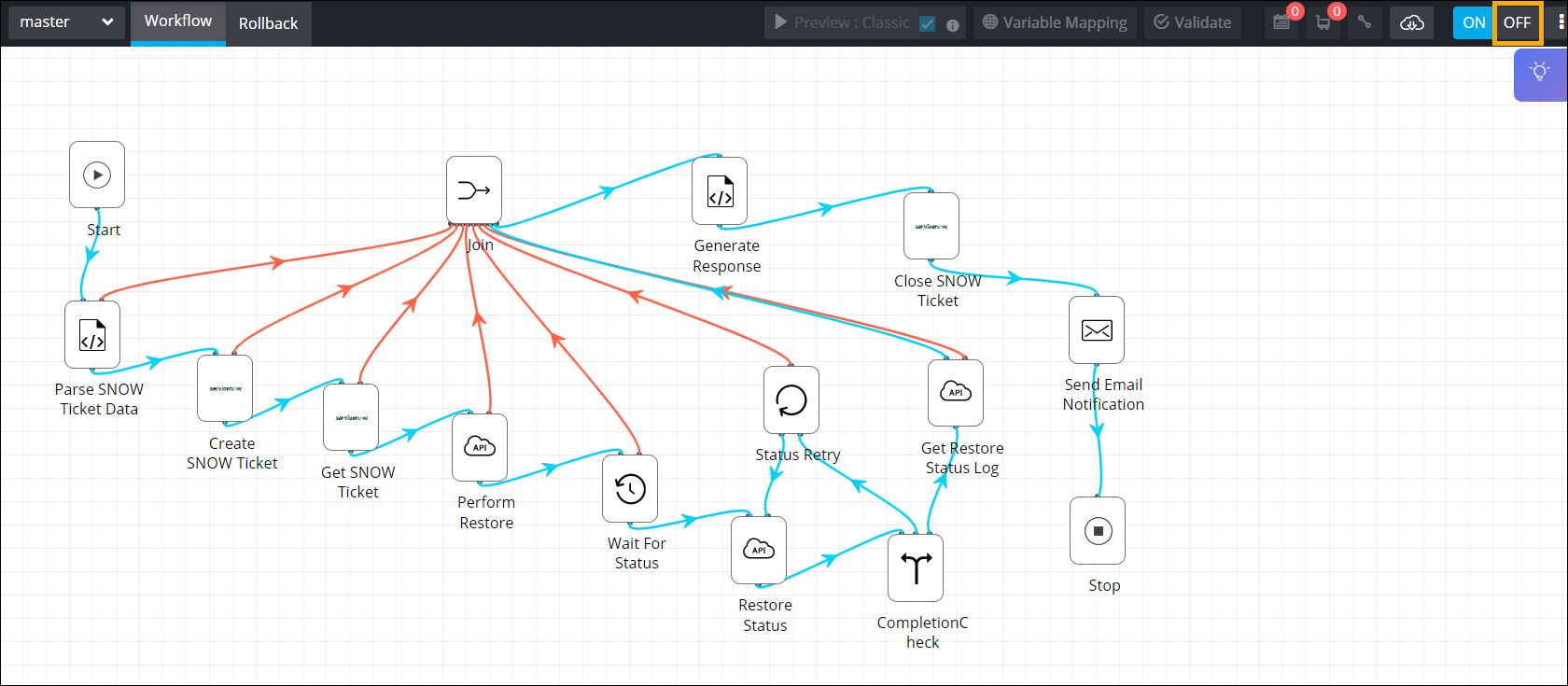
To disable a workflow in the design space, from the upper right corner of the
screen, click OFF.
-
To disable a workflow when the Workflow page is in List view,
select the workflow(s) and click
 (Disable) icon.