Accessing FAQs
The FAQs folder contains quick reference workflows that will help you in designing and
understanding workflow features. The FAQ workflows are available as part of the AppViewX
Installation.
Following are a few sample flows that will help you learn how to connect tasks:
- Script to any task
- Form to any task
- Using Diff Checker
- Using Charts
- Using Loops
- Using Auto Email Approvals
- Using Hooks
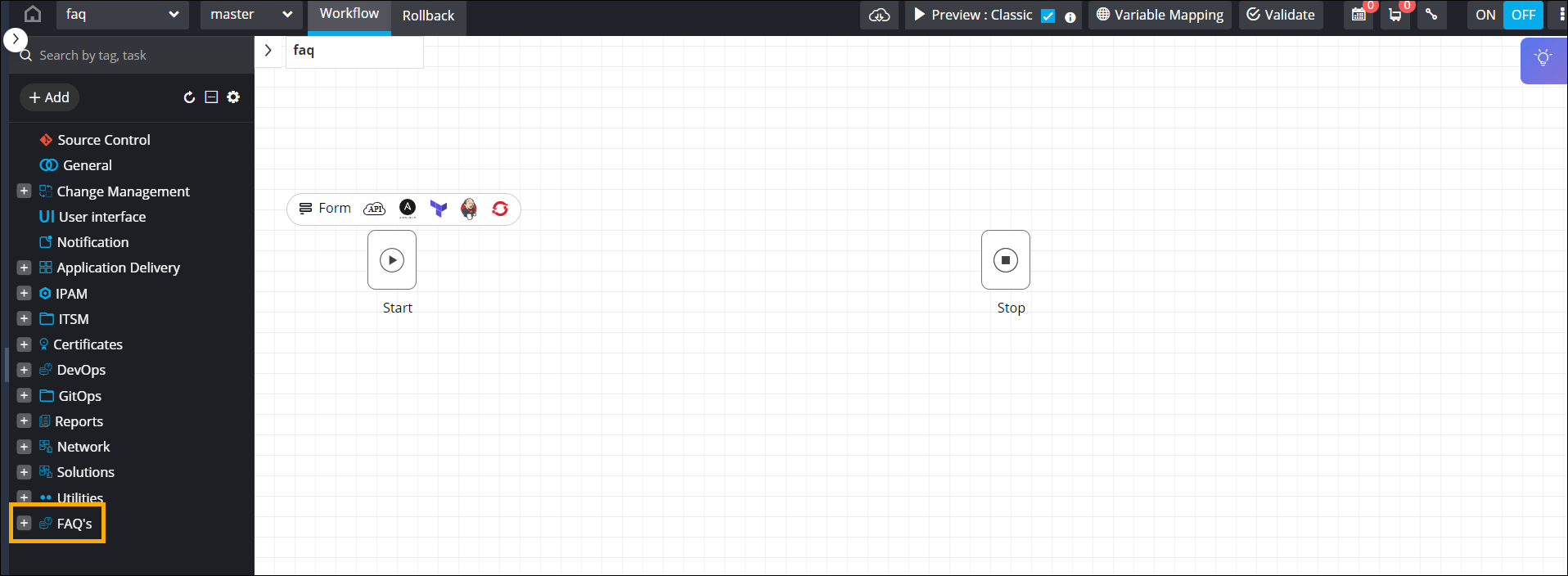
To access the FAQs folder from the workflow design space:
- Go to Automation > WORKFLOW > Design the Workflow page is displayed.
-
On the Workflow page that is displayed, click Create New.
The design space opens, with the FAQs folder visible in the left menu.
 Note: You can also access the FAQs by opening any of the existing workflows on the Workflow page.