Domain Audits
Domain audits dashboard provides a comprehensive overview of domain landscape in an enterprise. Track the total count of managed domains, get expiry reports, and analyze expiration trends. Additionally, explore the distribution of domains across various top-level domains (TLDs).
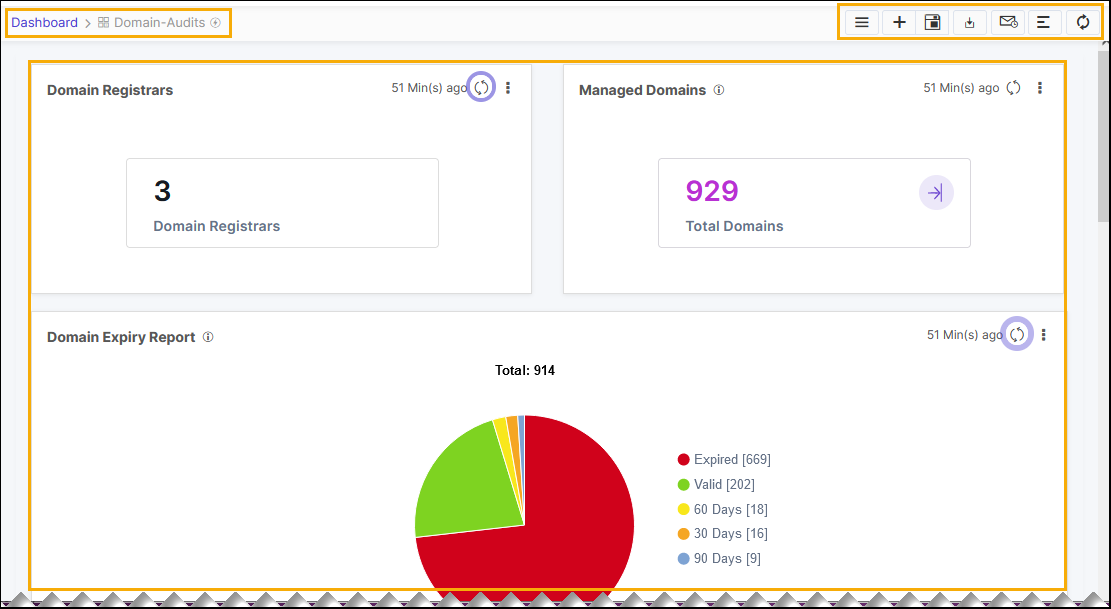
The following reports are available under the Domain Audits tab:
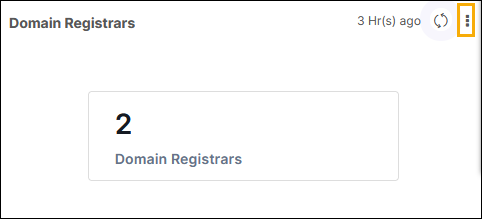
- Domain Registrars: This metric displays the total number of domain
registrars configured in DDI+ integration hub.
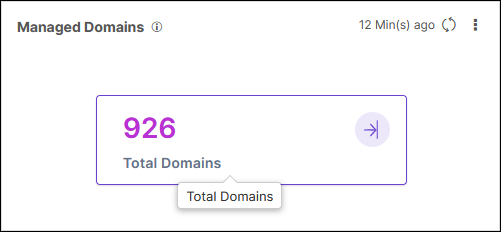
- Managed Domains: This metric displays the total number of managed domains
in the inventory.
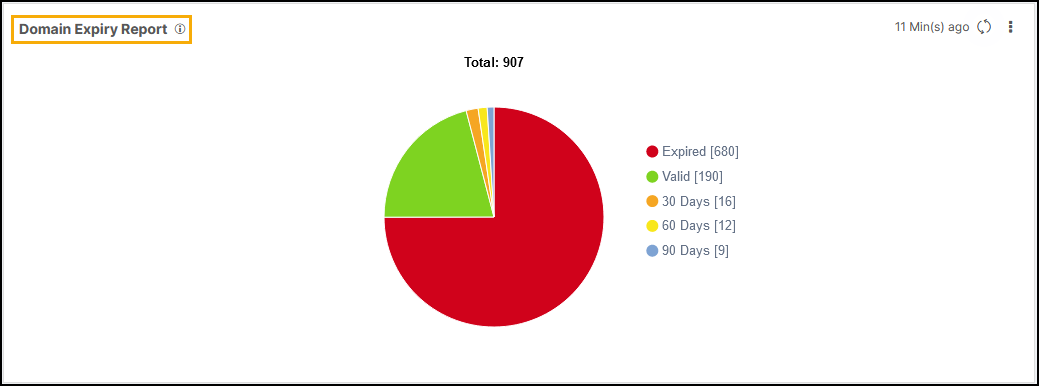
- Domain Expiry Report: This report displays the expiry status of the
domains. The different colored sections of the pie represent the status of the
domains with respect to expiry. For example: valid, expired, expiring in 30
days, 60 days, and 90 days.
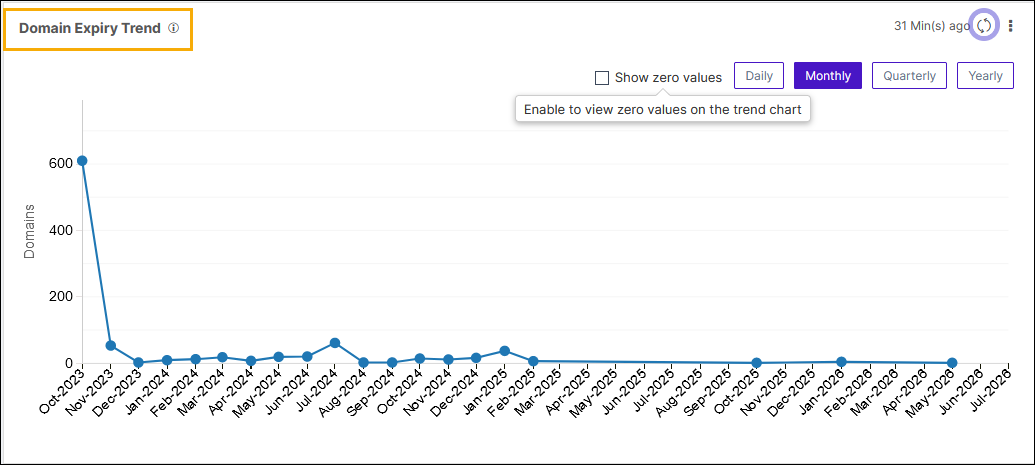
- Domain Expiry Trend: This trend line chart illustrates the monthly,
yearly, and quarterly trends of domain expiry.
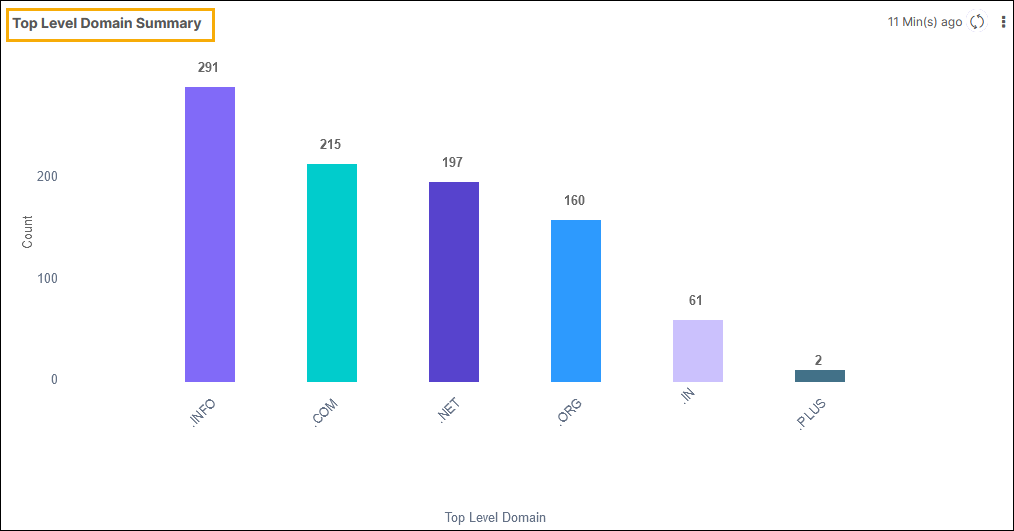
- Top Level Domain Summary: This report offers a view of the number of
domains categorized by Top-Level Domain (TLD).
Note: You can click on the corresponding metric to view the
detailed information.