Zones Inventory
-
Go to DDI+ > Inventory, and then
click Zone.
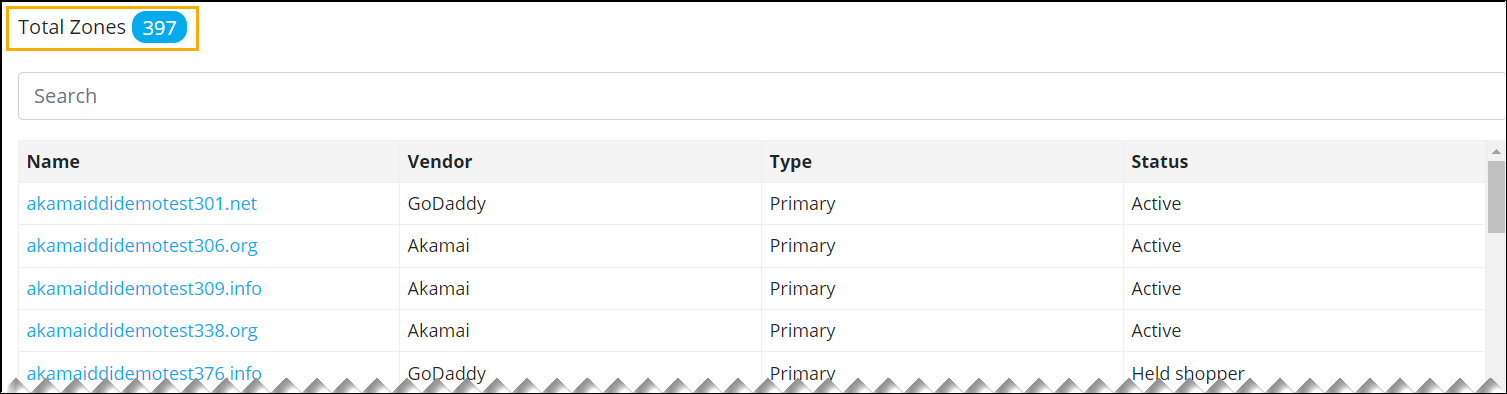
An inventory of all the zones managed across different DNS Vendors managed in DDI+ platform is displayed with information about the vendor, type of zone, and status.
-
For more information about a particular zone, click on the zone name from the
list.
You can view the corresponding DNS records.