Search Using Regular Expression (Regex)
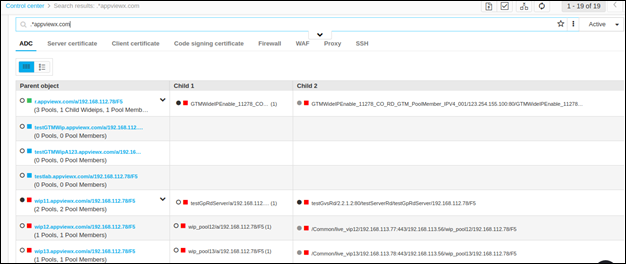
You can enter regex (such as * or .*) or the object/certificate name followed by the regex (.*) in the search field and click Enter on your keyboard. The search results will be displayed as follows:
-
.* - All the device objects/certificates along with their hierarchy are displayed in their respective tabs.
-
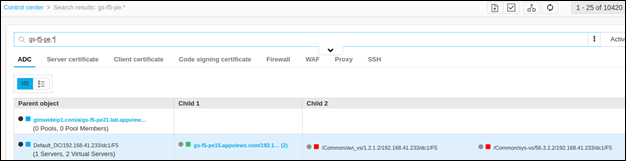
(searchstring).*- This RegEx results in the objects, whose name starts with the search string..
-
The search results that are matched with the text entered will be highlighted.
Examples
-
For the RegEx gs-f5-pe.*, the search results that are matched with the text entered will be highlighted:
-
If all the subdomains of a DNS are needed to be searched, then .*DNSName shows all the subdomain: