Assign Devices to Resource
- Go to Menu > Account > Resource.
-
Click on the
 (Add) icon to navigate to the resource addition
page.
(Add) icon to navigate to the resource addition
page.
-
From the Resource Add page, configure the group details
as given below and click Save.
Field Type Description Validation *Name Text Name of the resource to be added. Resource name cannot be empty. Description Text Description of the resource. A maximum of 255 alphanumeric characters and space are allowed. *: Mandatory fields 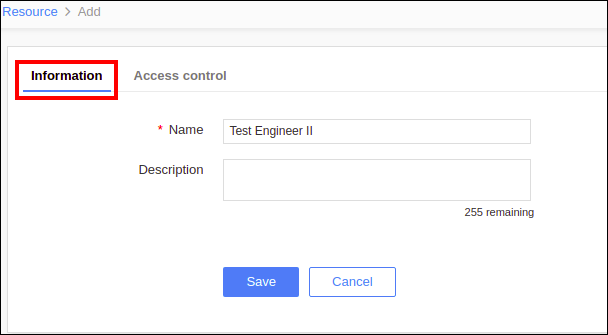
-
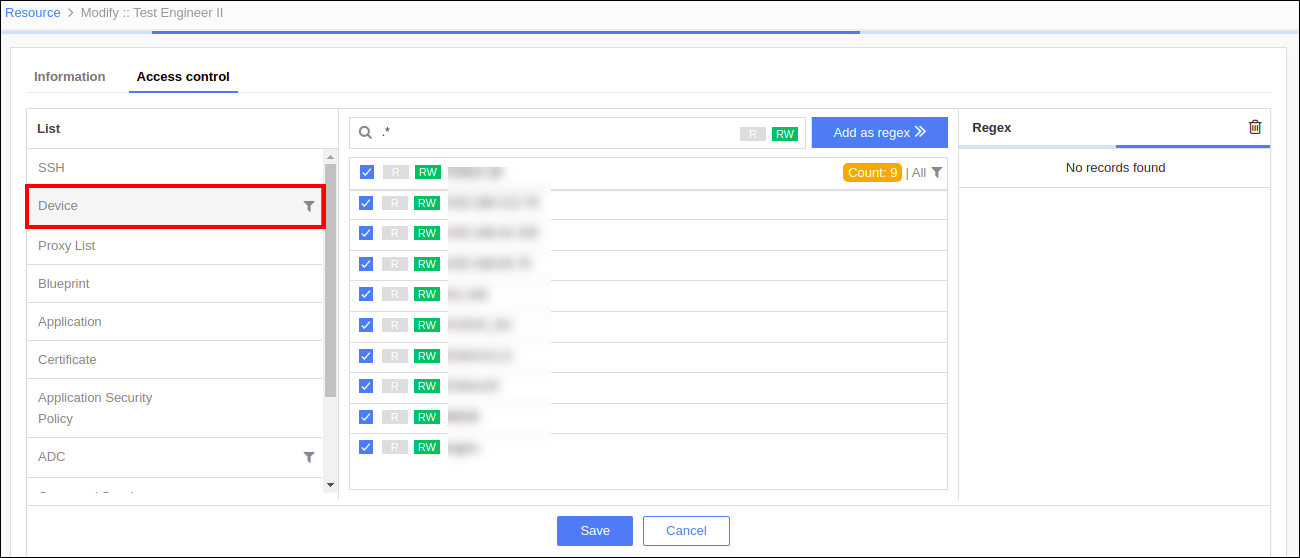
Click the Access control tab, select
Device from the list in the left panel.
-
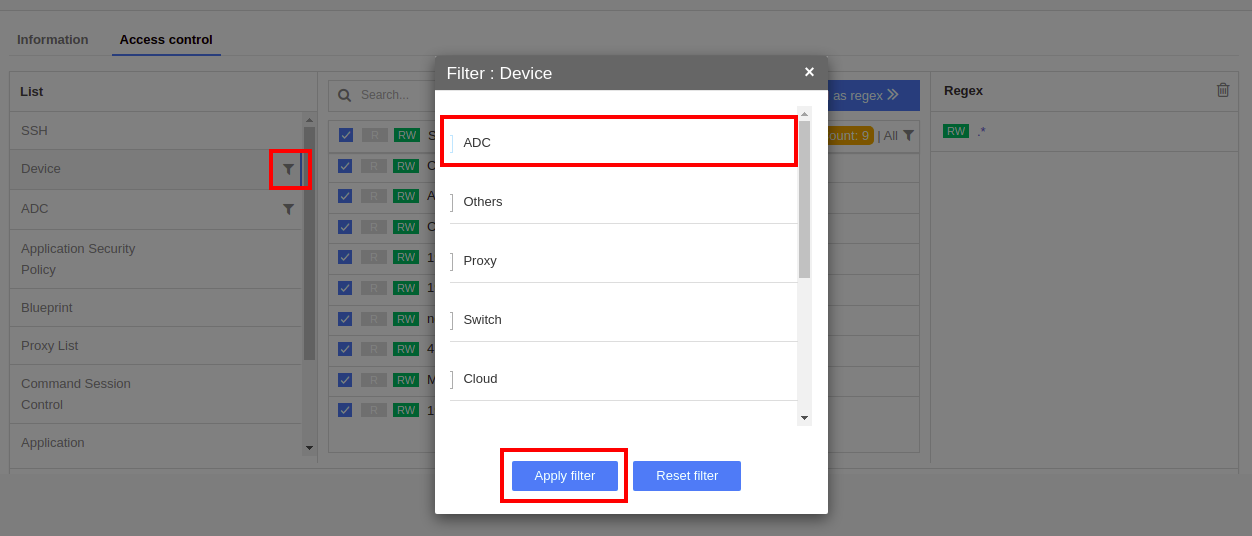
Select the filter icon, select ADC in the filter list and then click Apply
Filter.
-
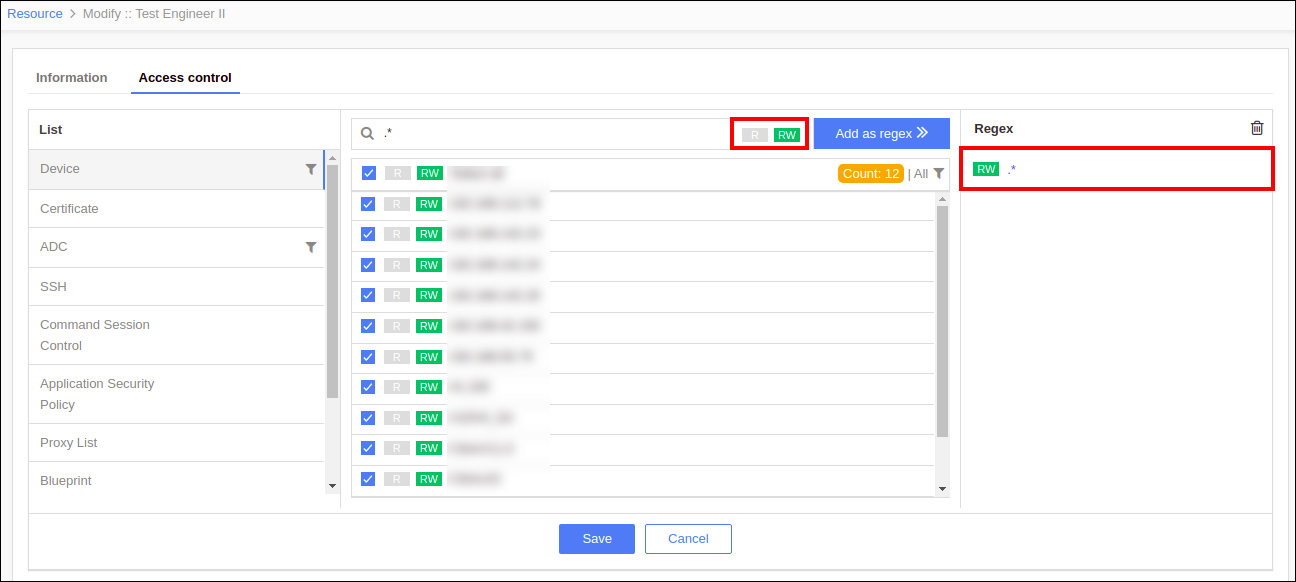
Search for the regex of the device name(s), provide R/RW permission, and click
Add as Regex to assign the device(s) to the resource.
- Click Save.