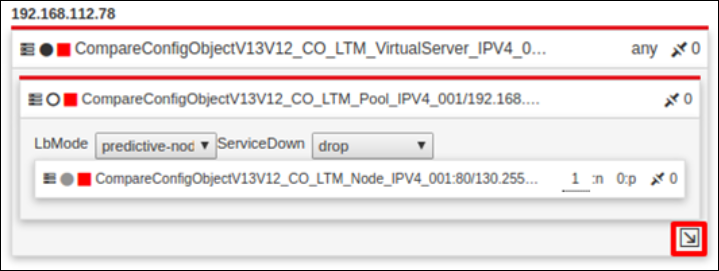
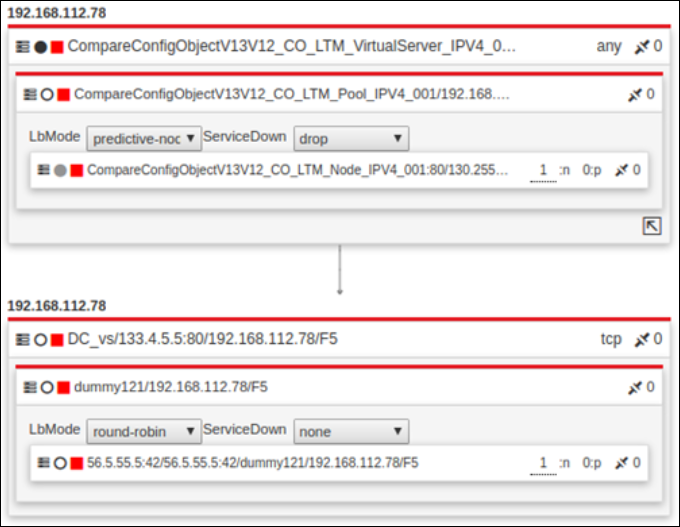
Topology View
This view is specifically relevant to primary objects. AppViewX offers a comprehensive, hierarchical structure map of the object, including properties such as ratio, order, load balancing method, and more. In the topology view, users can perform actions like updating the ratio and load balancing methods.
-
When the search result contains only one record then it will default render in the topology view.
-
When the users click on the primary object's name from the grid view or infrastructure view.
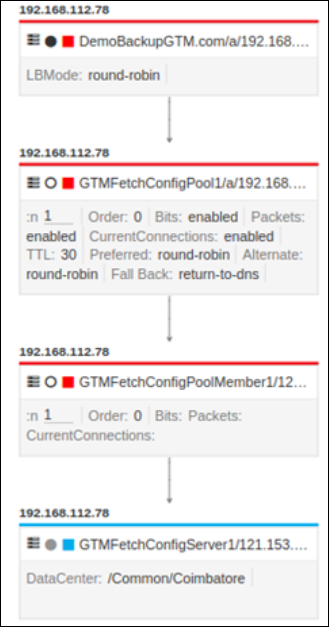
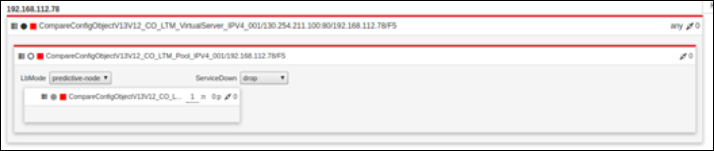
The following are the sample ADC topologies supported in the control center.
Wide IP Topology
Virtual Server (VIP) Topology
Content Switching (CS) Virtual Server Topology
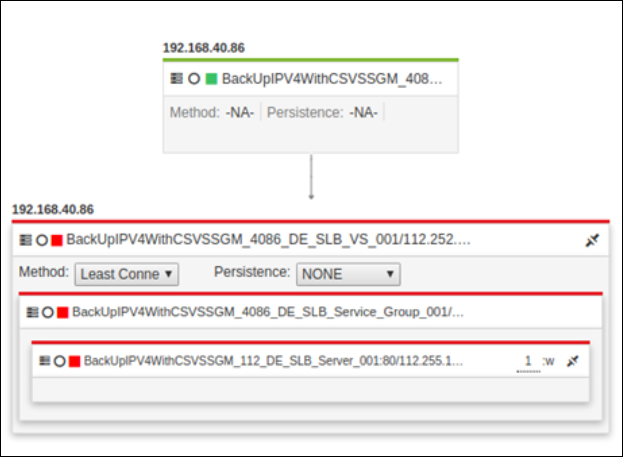
VIP Under Wide IP Topology
This is the topology structure displayed when an LTM/ SLB object is mapped under the GTM/GSLB.
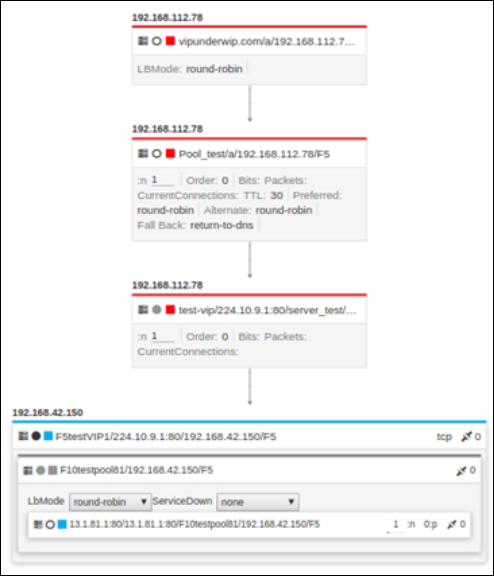
VIP Under VIP Topology