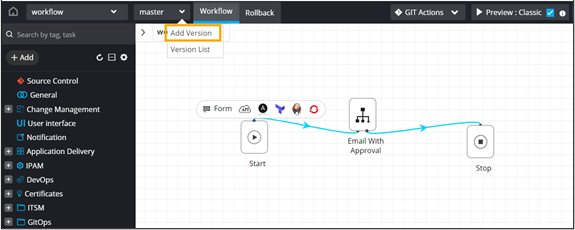
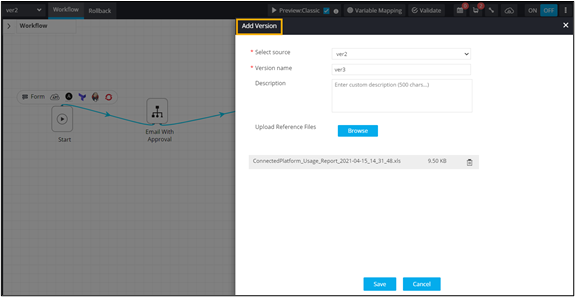
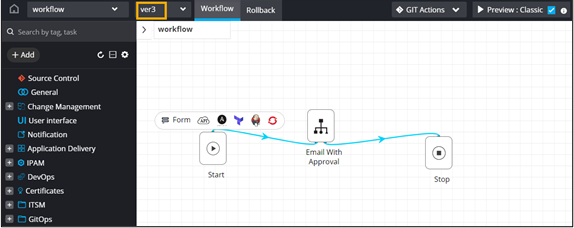
Adding a Version Design a workflow. From the master dropdown menu, select Add Version. In the Add Version window, add the version details and click Save. The newly added workflow version is activated and the workflow version is also displayed on the Workflow page.