Validating a Workflow 
- Tasks with no relevant connectors associated.
- Missing tasks which are dependent on other workflow tasks.
- Invalid links or connections.
To validate a workflow:
- Design a workflow.
-
In the design space, from the command bar on the top, click
Validate.
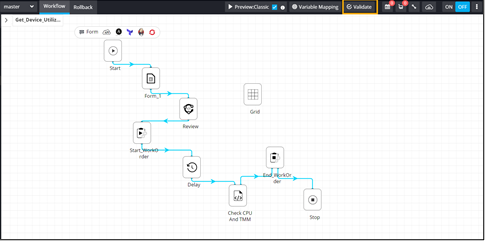 If the workflow is valid, a pop-up stating
 (Valid workflow)
is displayed.
(Valid workflow)
is displayed.