Integration Settings
To view or add a new vendor:
-
Click
 and select
Settings > Integration.
The following screen will be displayed.
and select
Settings > Integration.
The following screen will be displayed.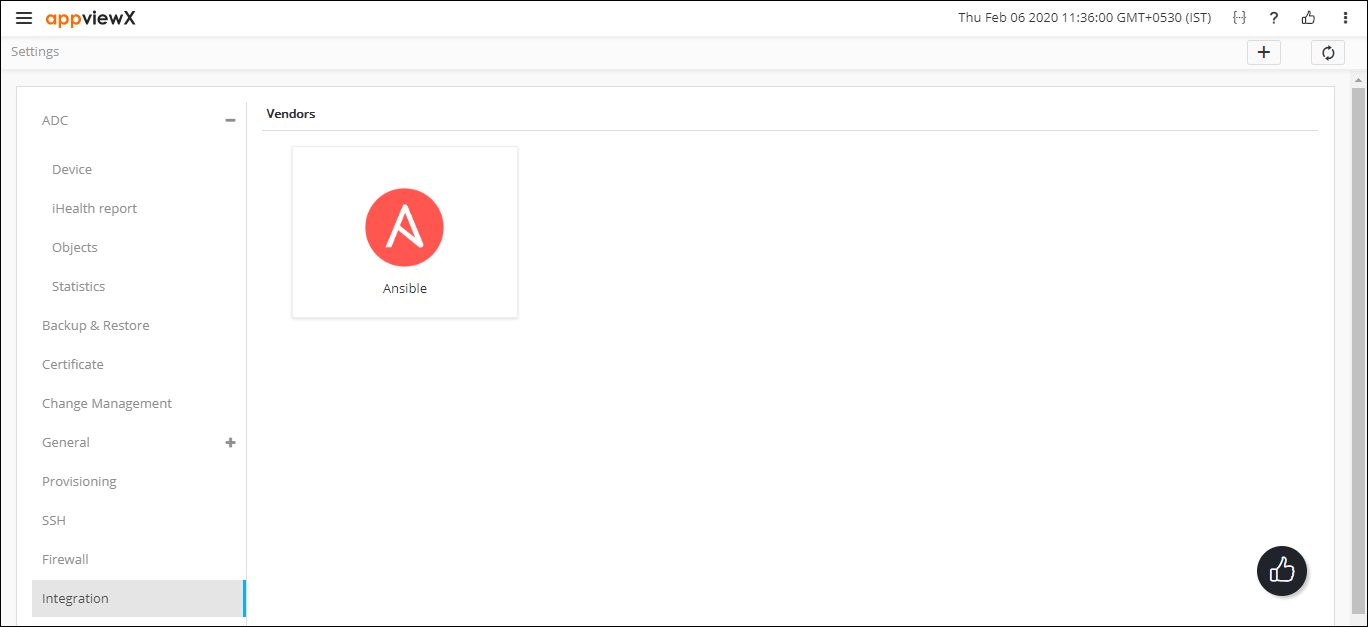
-
To add a new vendor, click the + icon.
You will be able to add a new vendor by entering the mandatory fields.