Provisioning Settings
To configure provisioning settings:
-
Click
 and select
Settings > Provisioning.
and select
Settings > Provisioning.
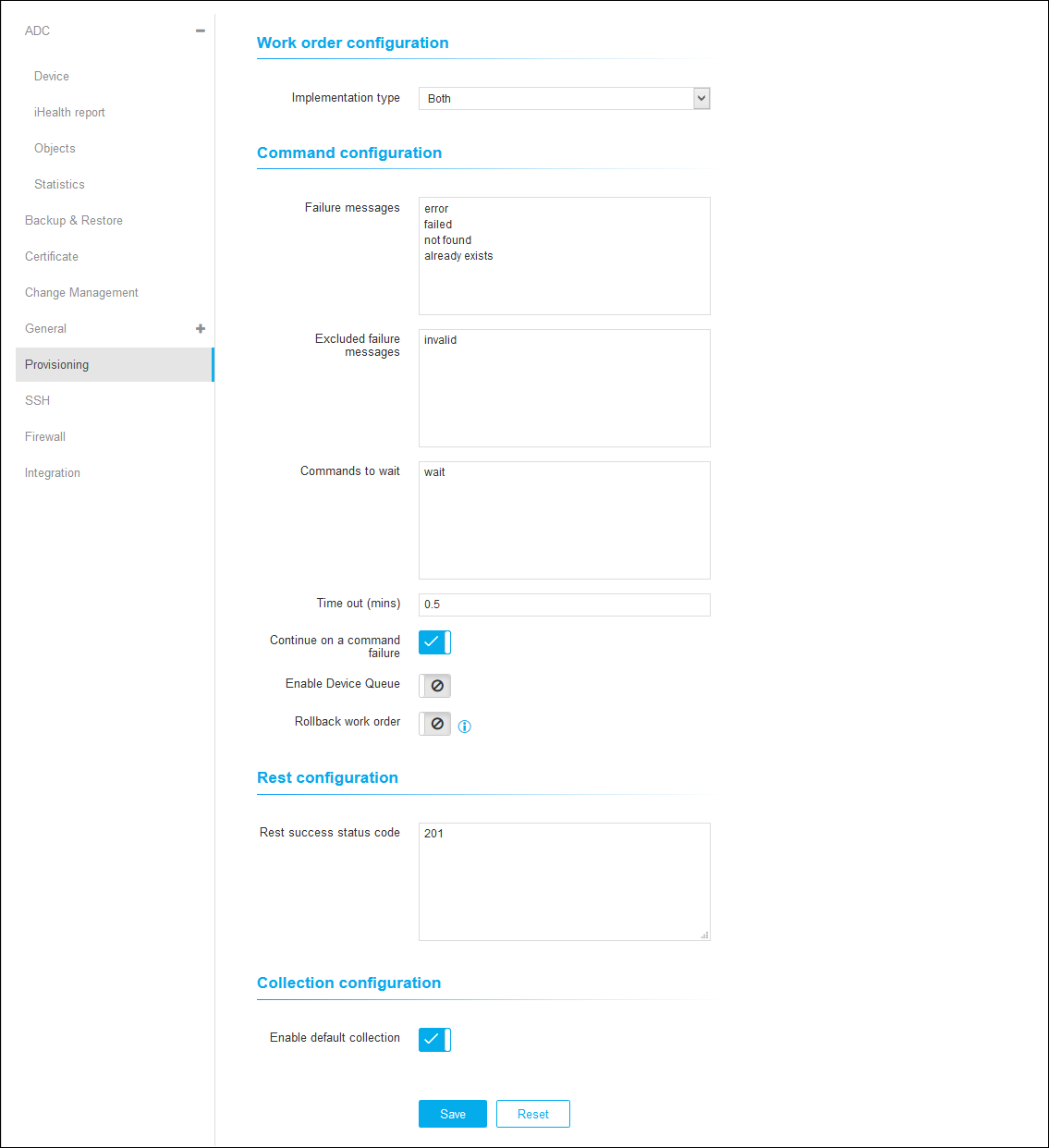
- On the Provisioning details page, under Work order Configuration, choose the implementation type.
- Under Command Configuration, enter the failure message, excluded failure messages, and command to wait.
- Enter the time out in minutes.
-
Click
 to enable
Continue on a Command Failure, Enable Device Queue, and Rollback Work
order.
to enable
Continue on a Command Failure, Enable Device Queue, and Rollback Work
order.
- Under REST Configuration, enter the REST Success Status Code.
- Under Collection Configuration, click the disable icon to Enable Default Collection.
-
Click Save.