Switch Between Dashboards
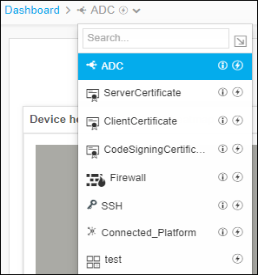
- Move your cursor to the breadcrumbs field of the current dashboard.
- Click on the current dashboard name.
-
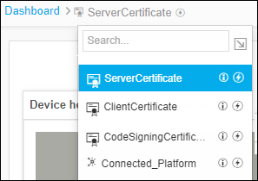
In the dropdown list that appears, click the name of the dashboard you want to switch
to.
 You can also click
 in the Command Bar and click the name of
the dashboard you want to switch to.
in the Command Bar and click the name of
the dashboard you want to switch to.