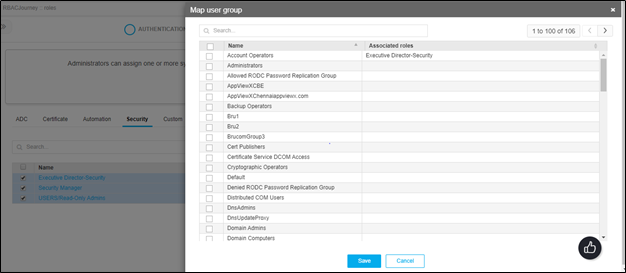
Role Mapping to User Groups
-
Click
 and select Account > User group >
Quick Config.
and select Account > User group >
Quick Config.
- Navigate to Roles stage as part of the RBAC Configuration wizard flow.
- On the roles list, select the checkbox beside the role(s) you want to map to user groups.
- Click on the Map User Group option.
- Select the required list of the user group(s) to be mapped for the selected role(s) in the Map User Group pop up.
-
Click Save.