User Group
Note: You can associate the roles and resources only with the
user groups.
Once Authentication details are configured:
-
Navigate to the User Group stage as part of the wizard flow to add user
groups into AppViewX.
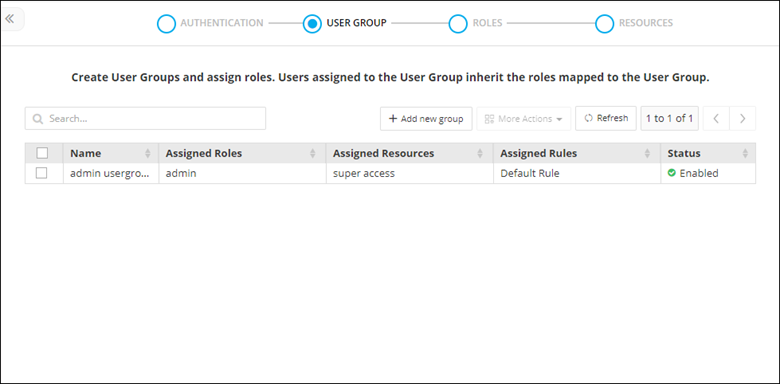
- The User group inventory table is displayed with the list of available user groups in AppViewX along with corresponding roles and resources mapping.
- In the User group stage, user group creation can be done by fetching groups from LDAP or through bulk import.
- In addition to this, existing user groups can be cloned, enabled, disable, and deleted.