Adding a Version
- Design a workflow.
-
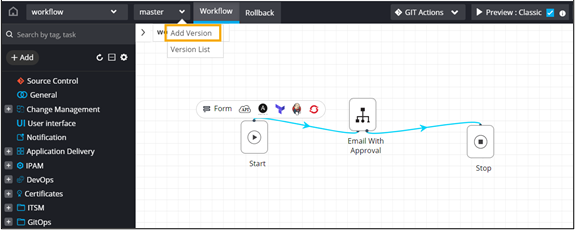
From the master dropdown menu, select Add
Version.
-
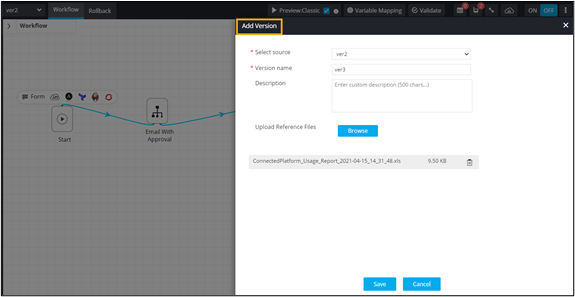
In the Add Version window, add the version details and
click Save.
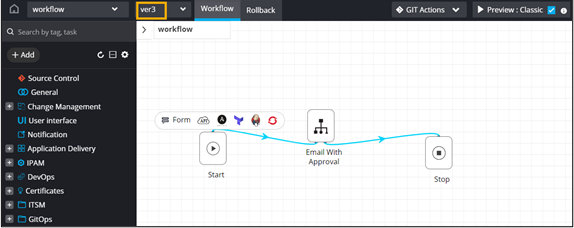
- The newly added workflow version is activated.
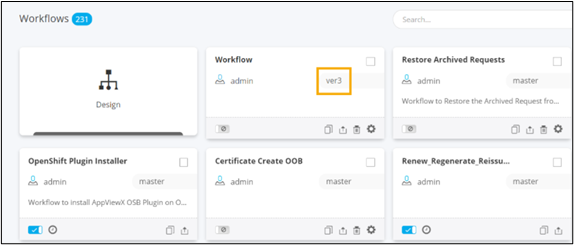
- Workflow version displayed on the Workflow Inventory page.
- The newly added workflow version is activated.