Configuring Tooltips
To configure a tooltip:
- Design/Modify a workflow.
- Drag and drop the required workflow tasks.
- Assign the required values as global variables.
-
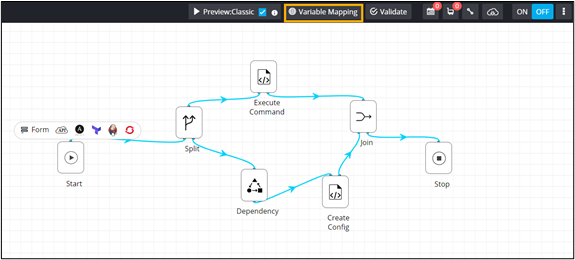
To view all global variables, click Variable Mapping.
-
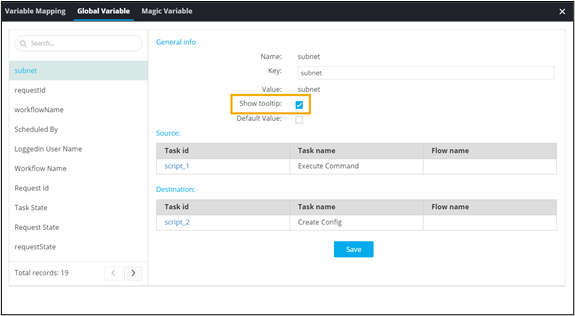
Under Global Variable, select the Show
tooltip checkbox.
- Save and enable the workflow.
- Trigger the workflow from the Request :: View/Run page.
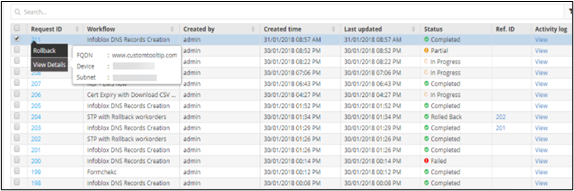
- On the Request :: All page, right-click the Request ID of the workflow.
-
To see the tooltip information, click View Details.