Request :: All
-
On the Request :: Overview page, from
the navigation pane on the left, click
All.
The Request :: All page is displayed.
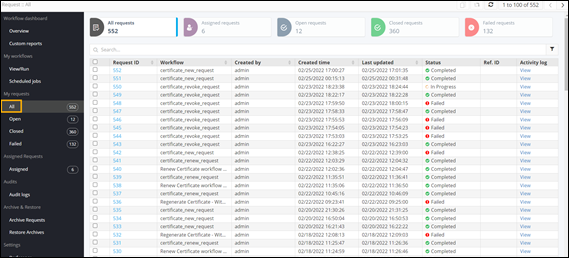
- To see the stage-wise execution of a workflow, click on the Request ID for that workflow.
-
To clone a workflow request, select the workflow and click
 from the command
bar in the top right corner of the screen.
from the command
bar in the top right corner of the screen.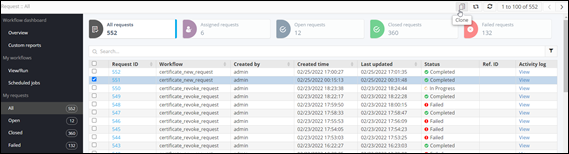
. -
To refresh the Request :: All page, from
the command bar, click
 .
.