Restore Workflow Archives
To trigger a restore workflow request:
-
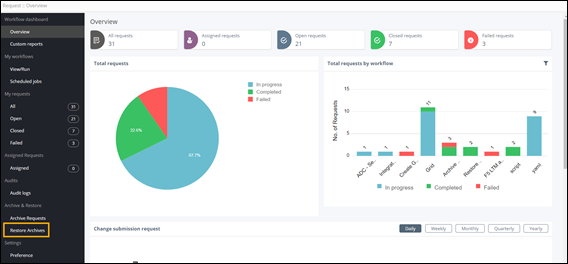
On the Request :: Overview
page, from the navigation pane on the left, under Archive &
Restore, click Restore Archives.
-
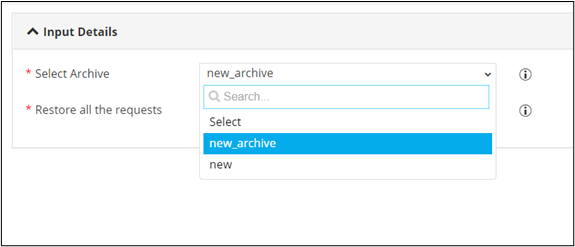
Select the archive that is to be restored.
-
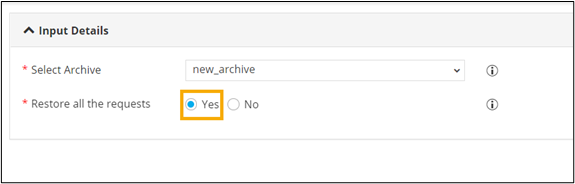
To restore all the requests from the archive, select
Yes.
-
To select specific request(s) from the archive, select
No.
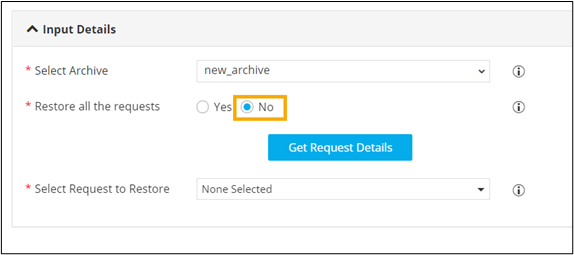
- To auto populate the list of workflow requests, click Get Request Details.
-
Select the workflows that you want to restore.
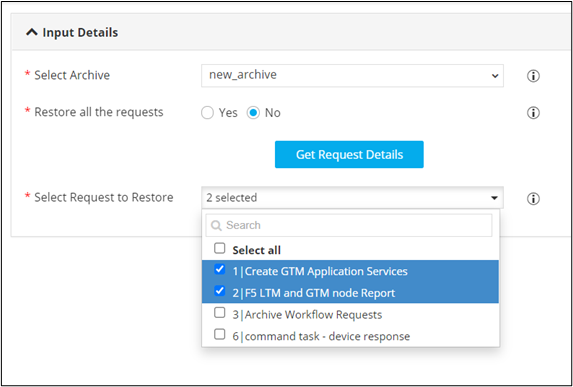
- To restore the selected workflow request(s) from the archive, click Submit .
-
In the Confirmation window, click
Ok.
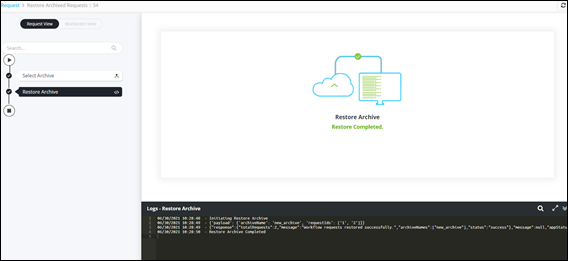
The workflow to Restore Archive is completed.