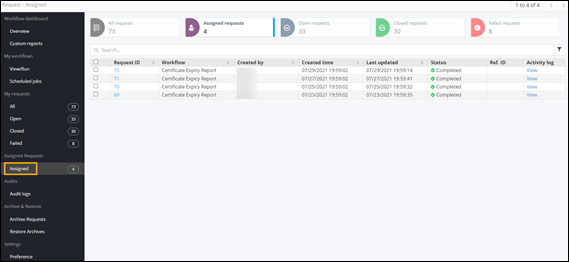
Assigned Requests
-
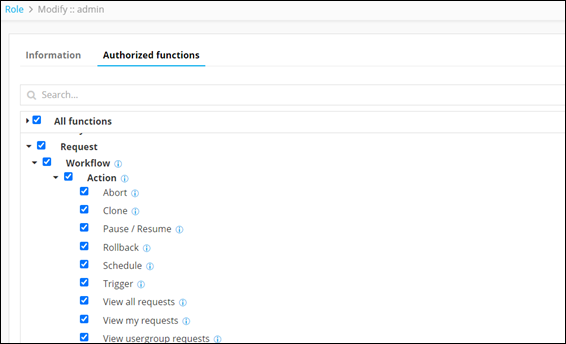
View my requests: To view workflow requests by logged in user
-
View user group request: To view workflow requests based on the user group
-
View all requests: To view all workflow requests
-
From the top left corner of the screen, click
 .
.
- Select Account > Role.
- Select admin from the list of roles.
-
To view the actions authorized for the admin, click Authorized
functions.
-
On the Request :: Overview page, from
the navigation pane on the left, click From the top left corner of the screen,
click Assigned requests
.
The Request :: Assigned page is displayed showing the requests assigned to the particular role.