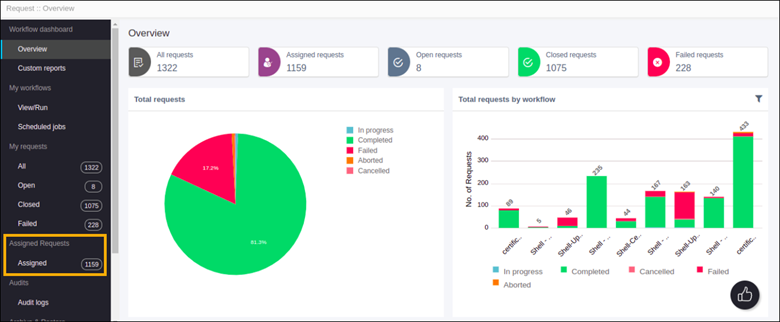
Configuring RBAC for Assigned Requests
- View my requests: To view workflow requests by logged in user
- View user group request: To view workflow requests based on the user group
- View all requests: To view all workflow requests
To configure the RBAC for assigned requests:
-
From the upper left corner of the screen, click
 .
.
- Select Account > Role.
- Select admin from the list of roles.
- To view the actions authorized for the admin, click Authorized functions.
-
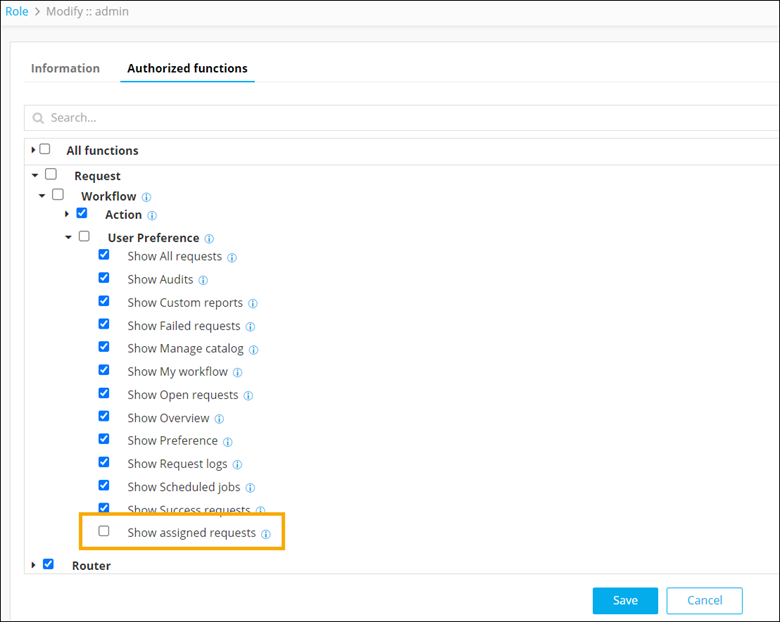
To restrict a user from viewing the assigned requests, under Request >
Workflow > User Preference, unselect the Show assigned
requests checkbox.
The Assigned Requests menu is not displayed on the Request :: Overview page.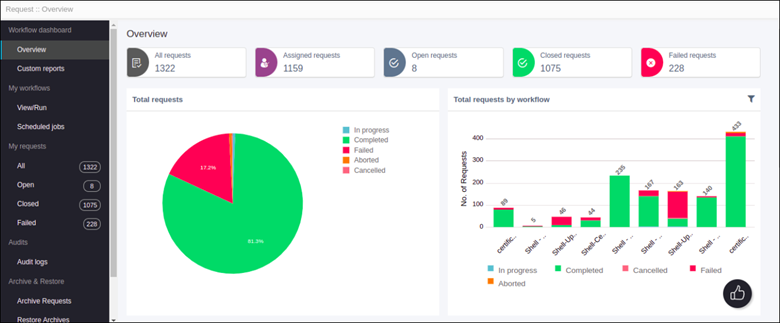 The following error message is displayed if the user tries to access the Assigned Requests.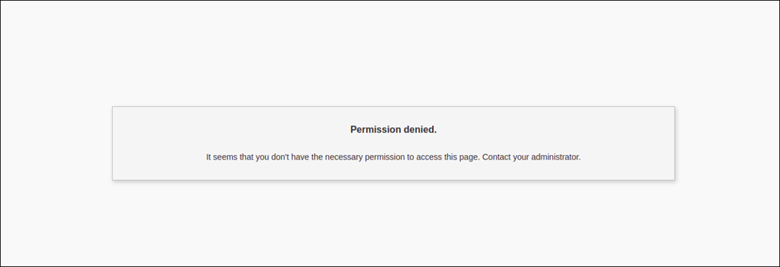
-
To allow a user to view the assigned requests, under Request >
Workflow > User Preference, select the Show assigned
requests checkbox.
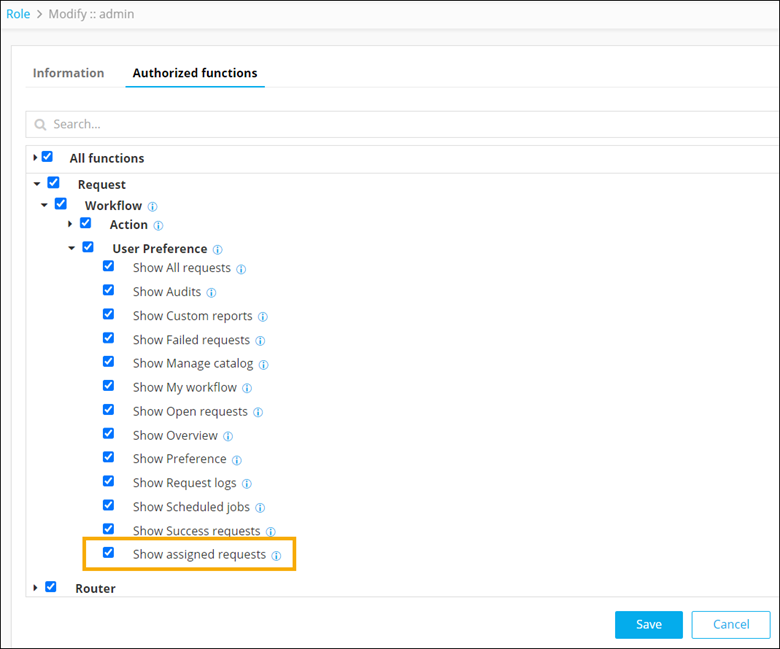
The Assigned Requests menu is displayed on the Request :: Overview page.