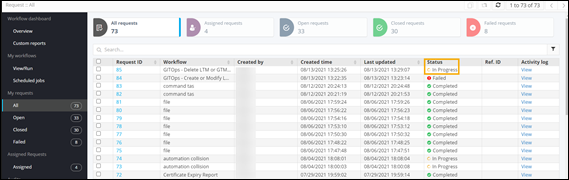
Pausing/Resuming a Workflow
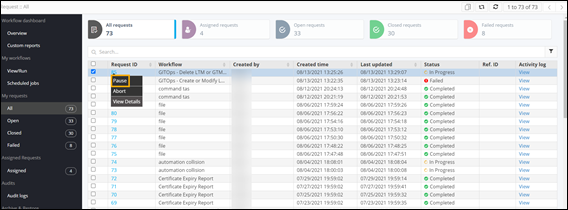
- On the Request :: All page, right-click the Request ID of a workflow to see the options.
-
To pause the workflow, select Pause from the
options.
-
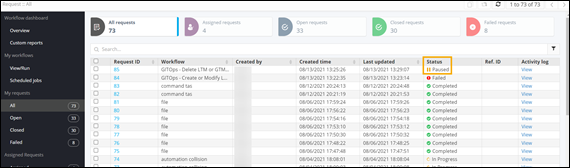
Click Yes in the pop-up window. The workflow is paused.
-
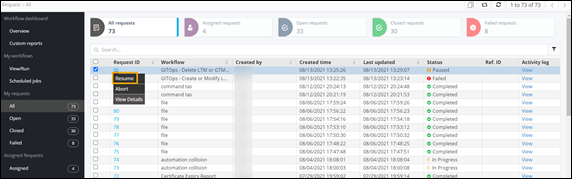
To resume the workflow, select Resume.
-
Click Yes in the confirmation pop-up window. The
workflow resumes.