Aborting a Workflow
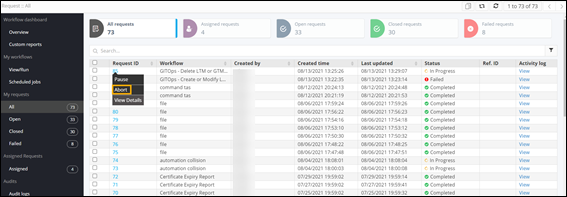
- On the Request :: All page, right-click the Request ID of the workflow to be aborted.
-
Select Abort from the available options.
-
Click Yes in the confirmation pop-up window.
Note: You can abort a workflow only if it is in the In progress state.