Discovering Playbooks
- Design/Modify a workflow.
-
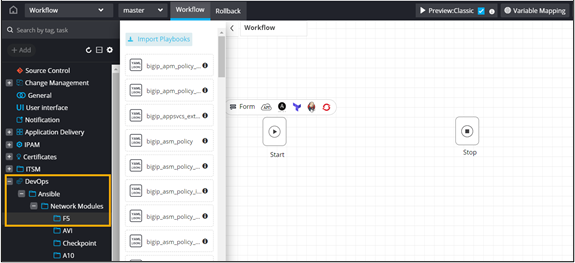
From the menu on the left, under DevOps,
select Ansible > Network
Modules > F5.
-
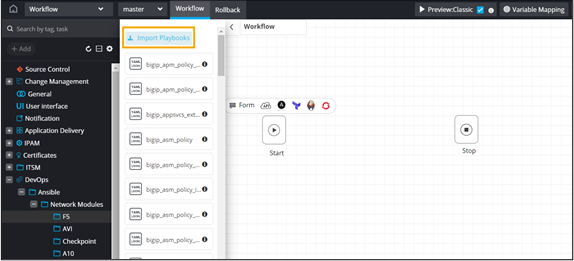
From the F5 folder, click Import
Playbooks.
-
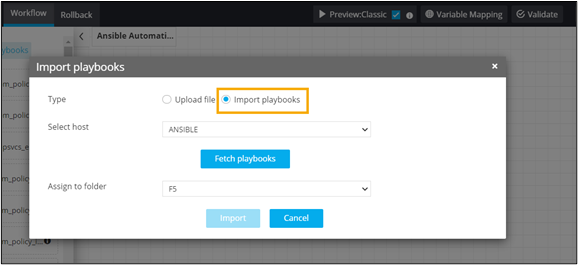
In the Import playbooks window, select import
Type.
- Upload file: Upload playbooks from a local folder
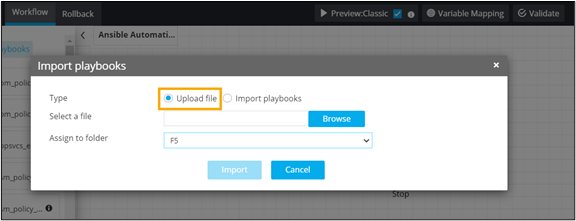
- Import playbooks: Discover playbooks from Ansible
folder
- Upload file: Upload playbooks from a local folder
- Save playbooks to a custom folder.
- Drag and drop the playbooks into the workspace.
-
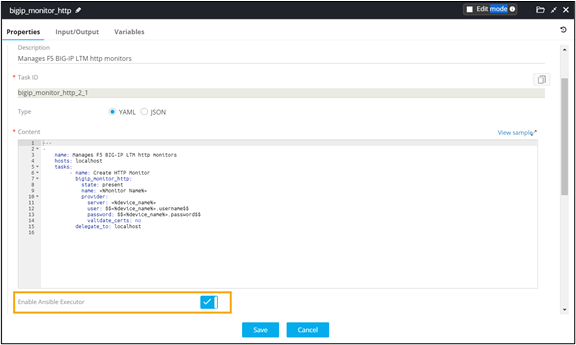
To enable Ansible instance, turn on the toggle.
-
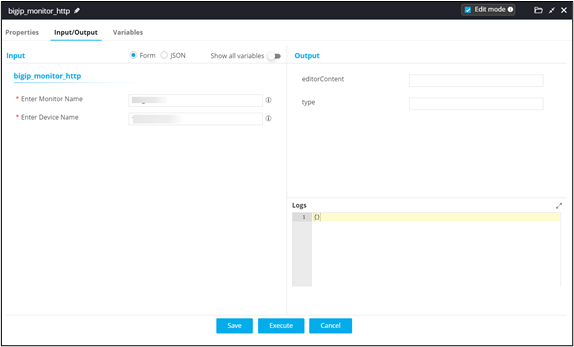
Provide Input/Output and
Variables details.
-
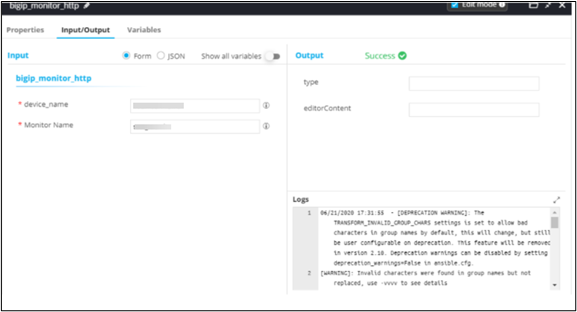
Execute the task to view the execution log.
-
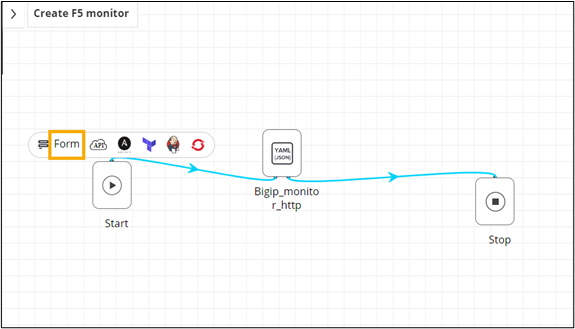
To auto generate a self-service form, click Form above
the Start task.
-
To auto-populate form fields, click
 above the workflow task.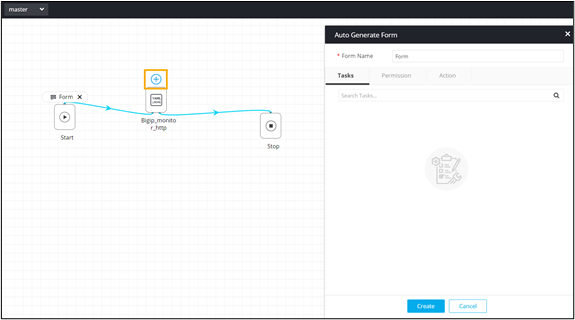
-
Define the variables to be used in the self-service form.
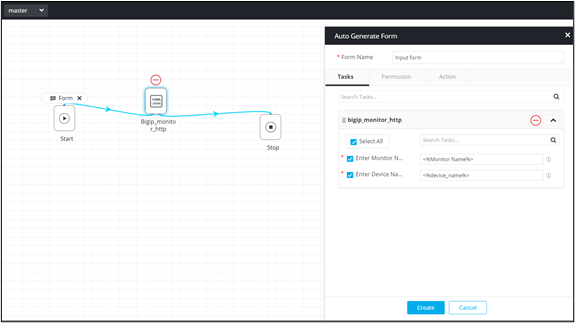
- Click Create.
- Connect the tasks and trigger the workflow from the Request :: View/Run page.
-
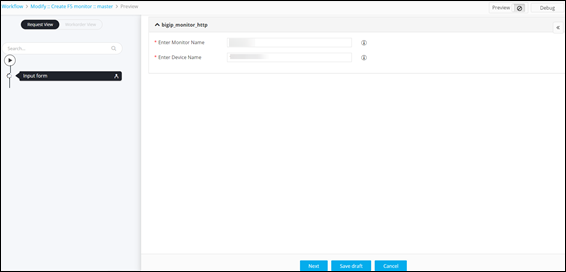
To validate the workflow, click Preview.
Workflow is executed.
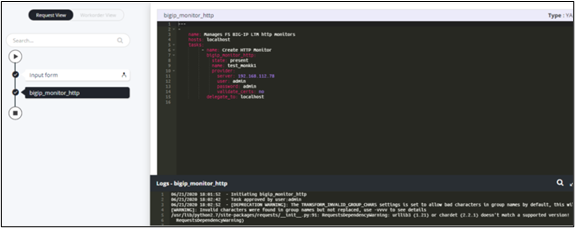
- Enable the workflow.
-
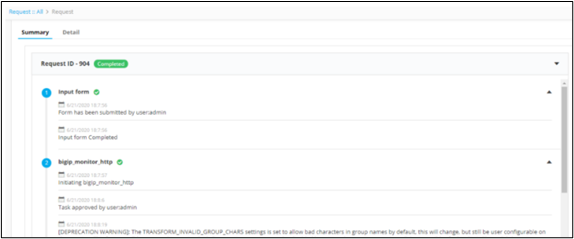
To view the Request activity log, on the Request :: View/Run page, under Activity,
click View.
A Summary of the workflow request execution is displayed.