How to connect Script to Grid
-
Design a new workflow.
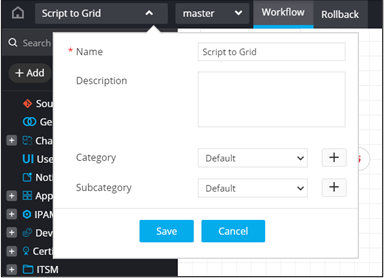
- From the General section, drag and drop a Script task.
-
In the Script task window, under
Properties, in the General
section, define the list of values.
grid_data = [{"FieldID":"Its Fred","FieldID2":"monday"},{"FieldID":"Its Fred","FieldID2":"tuesday"},{"FieldID":"Its Barney","FieldID2":"wednesday"}]
config = {"GridData":grid_data}
AVX::OUTPUT(config)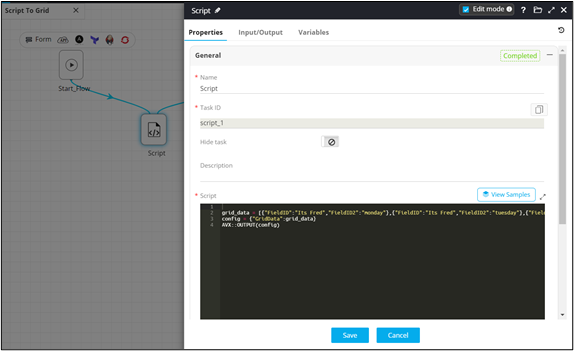
-
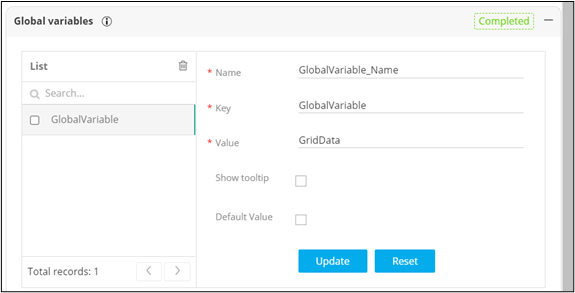
In the Script task window, under
Properties, in the Global
variables section, define and declare the grid data value as a
global variable to be referenced in the Grid task.
- From the User Interface section, drag and drop the Grid task.
-
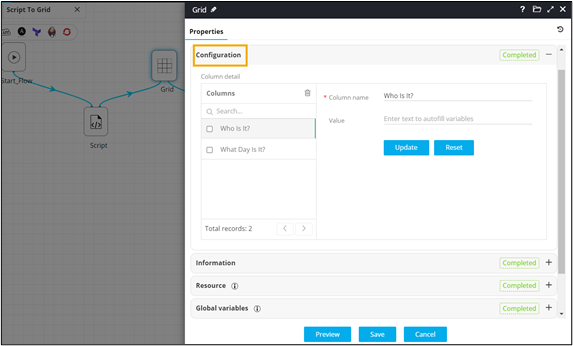
In the Grid task window, under
Properties in the
Configuration section, define the
Columns of the Grid.
-
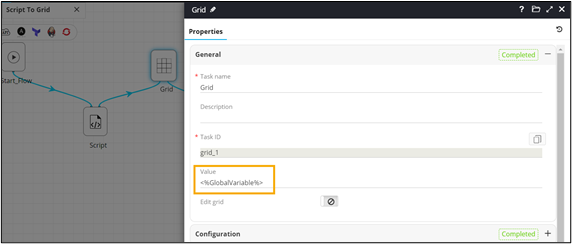
Refer the global variable to be used.
-
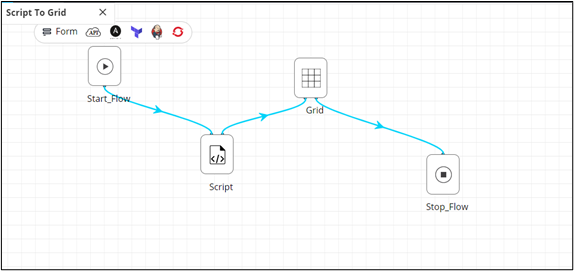
Connect and enable
the workflow.
-
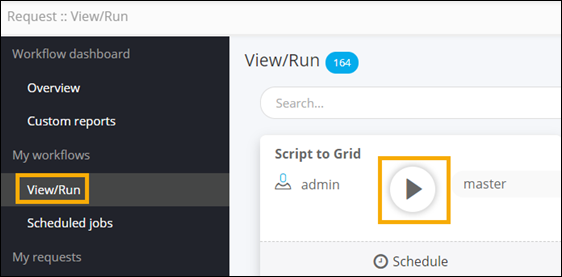
Trigger the workflow from the Request ::
View/Run page.
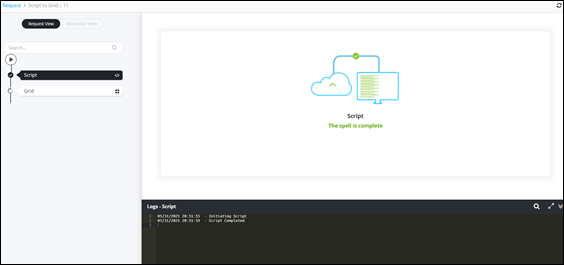
- Script executed with custom messages.
- Data displayed in a Grid using global variables from the Script task.
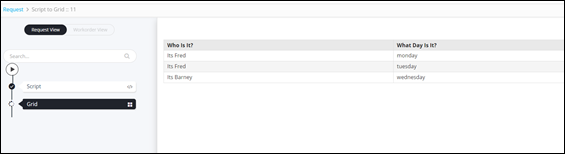
- Script executed with custom messages.